cancel
Showing results for 
Search instead for 
Did you mean: 
Administration & Architecture
Explore discussions on Databricks administration, deployment strategies, and architectural best practices. Connect with administrators and architects to optimize your Databricks environment for performance, scalability, and security.
cancel
Showing results for 
Search instead for 
Did you mean: 

Queries Hanging Indefinitely

Sai03
Visitor

I spun up a databricks environment on AWS via the AWS marketplace.

All the required infrastructure such as S3, VPC, Subnets are automatically created during the process

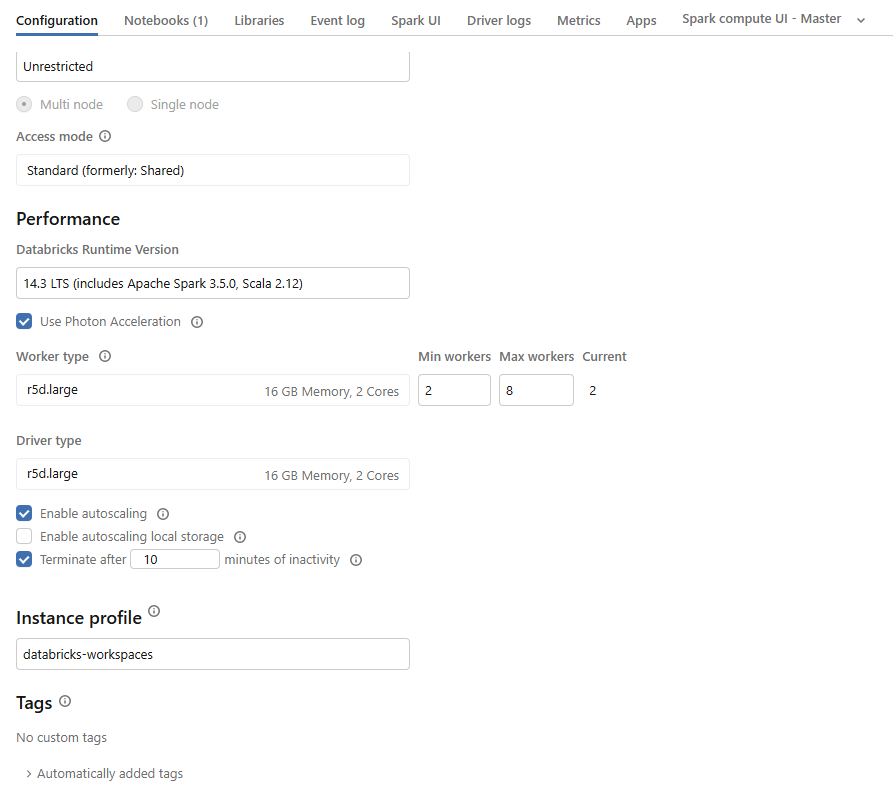
Once I get the Databricks environment up and running - I created a cluster. I attached that cluster with a notebook and tried running simple query: Show Catalogs; The query is running indefinitely and eventually timing out, If I run select 1 that is working correctly

I can explore the catalogs, explore the volumes if I attach serverless cluster to the notebook

What is wrong with the compute that I am creating?

2 REPLIES 2

emma_s
Databricks Employee
Databricks Employee

Hi,

I believe this is happening as you haven't got the right ports open to connect between your classic compute and the UC Metatstore. When you try to select 1 it works as it doesn't need to talk to the metastore but when you do show catalogs it is trying to reach the metastore and time out. You can verify this by running the following code.

import subprocess
workspace_url=spark.conf.get("spark.databricks.workspaceUrl")
ports = [443, 3306, 8443, 8444,]
for port in ports:
    check_cmd = f"nc -w2 -vz $(dig +short {workspace_url} | tail -n1) {port}"
    result = subprocess.run(check_cmd, shell=True, capture_output=True, text=True)
    print(f"Port {port}:", "Success" if result.returncode == 0 else "Failure")

  Note in the future you will also need ports 8445-8451 open as well as the ones in the code above. If any of these fail when you run the above script then you will need to open access to these ports. More details here https://docs.databricks.com/aws/en/security/network/classic/customer-managed-vpc


Hi Emma, Thanks for your reply. I ran the code provided and from the result I could see - 8443,8444 were failure. Should I need to open these ports ?

Just to be clear - I used AWS Quickstart and the VPCs are created via the default CloudFormation template

Thanks,

Sai