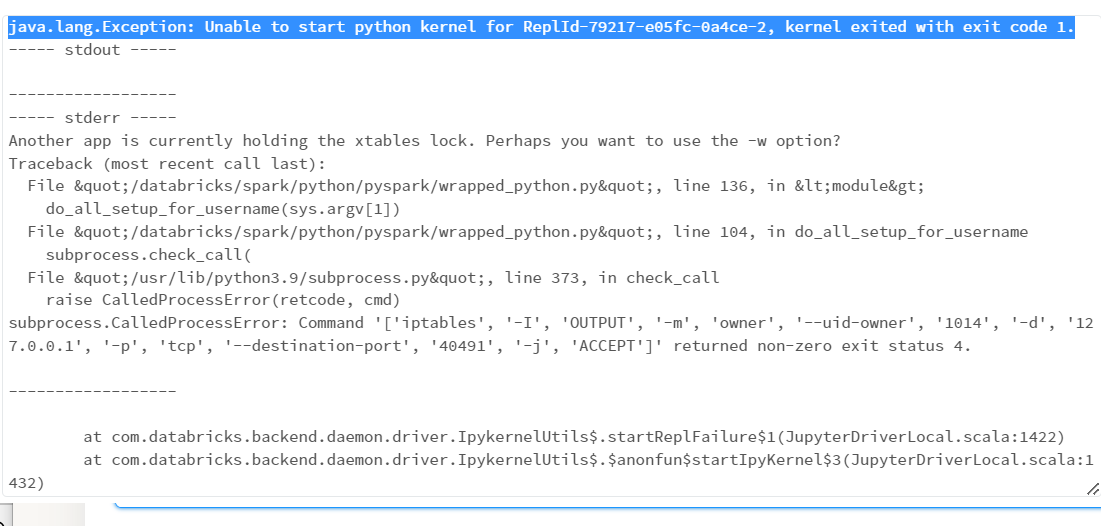
java.lang.Exception: Unable to start python kernel for ReplId-79217-e05fc-0a4ce-2, kernel exited with exit code 1.

- Mark as New
- Bookmark
- Subscribe
- Mute
- Subscribe to RSS Feed
- Permalink
- Report Inappropriate Content
01-27-2023 01:47 AM
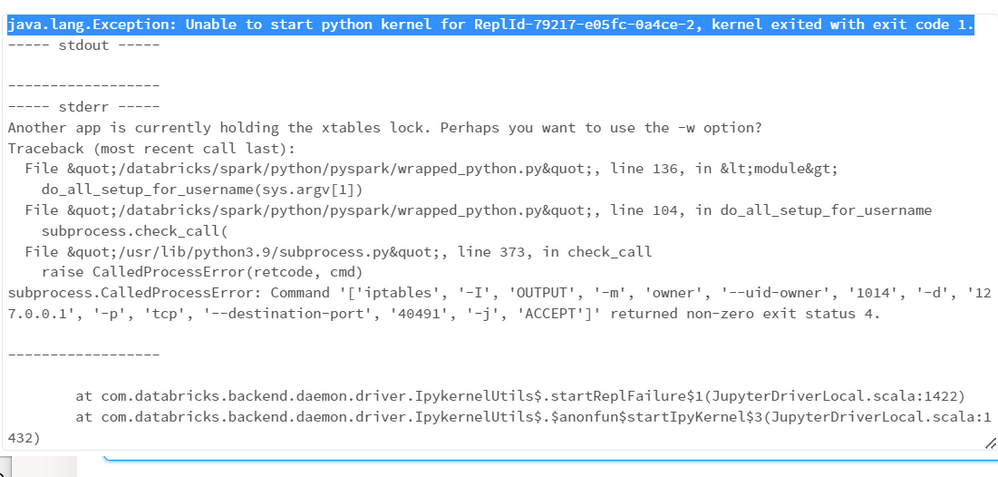
This notebook is being called 29 times in parallel, and FYI UC is also enabled.
I am facing this error:
java.lang.Exception: Unable to start python kernel for ReplId-79217-e05fc-0a4ce-2, kernel exited with exit code 1.
----- stdout -----
------------------
----- stderr -----
Another app is currently holding the xtables lock. Perhaps you want to use the -w option?
Traceback (most recent call last):
File "/databricks/spark/python/pyspark/wrapped_python.py", line 136, in <module>
do_all_setup_for_username(sys.argv[1])
File "/databricks/spark/python/pyspark/wrapped_python.py", line 104, in do_all_setup_for_username
subprocess.check_call(
File "/usr/lib/python3.9/subprocess.py", line 373, in check_call
raise CalledProcessError(retcode, cmd)
subprocess.CalledProcessError: Command '['iptables', '-I', 'OUTPUT', '-m', 'owner', '--uid-owner', '1014', '-d', '127.0.0.1', '-p', 'tcp', '--destination-port', '40491', '-j', 'ACCEPT']' returned non-zero exit status 4.
- Labels:
-
Autoloader
-
Python Kernel

- Mark as New
- Bookmark
- Subscribe
- Mute
- Subscribe to RSS Feed
- Permalink
- Report Inappropriate Content
04-10-2023 07:22 AM
@Harsh Paliwal :
The error message suggests that there might be a conflict with the xtables lock.
One thing you could try is to add the -w option as suggested by the error message. You can add the following command to the beginning of your notebook to attempt to release any held xtables lock:
%sh sudo iptables -w -FIf this does not resolve the issue, you might want to check if there are any running processes that are using xtables lock. You can do this by running the following command in a terminal:
sudo lsof /usr/sbin/xtables-multiIf there are any processes listed, you can try killing them with the following command:
sudo kill -9 <process_id>If none of the above works, please let me know.