Using the %debug magic in DataBricks notebook

- Mark as New
- Bookmark
- Subscribe
- Mute
- Subscribe to RSS Feed
- Permalink
- Report Inappropriate Content
10-26-2022 02:39 AM
When developing locally, I can write %debug in a new cell after encountering an error, and jump into the function that the error originated from. In Databricks, this freezes the notebook indefinitely.
For example:
In [1]:
def query_data():
df_full = query("SELECT * FROM mytable")
df = df_full[df_full.mycolumn > 100]
assert not df.empty
return df
query_data()
Out [1]: AssertionError
In [2] %debug
(interactive prompt to explore df_full)
How do I get this functionality? I can get it in the Cloud Terminal, but that doesn't have the same python environment as my notebooks, so I can't really test things.
- Mark as New
- Bookmark
- Subscribe
- Mute
- Subscribe to RSS Feed
- Permalink
- Report Inappropriate Content
10-31-2022 02:37 AM
- Mark as New
- Bookmark
- Subscribe
- Mute
- Subscribe to RSS Feed
- Permalink
- Report Inappropriate Content
10-31-2022 03:11 AM
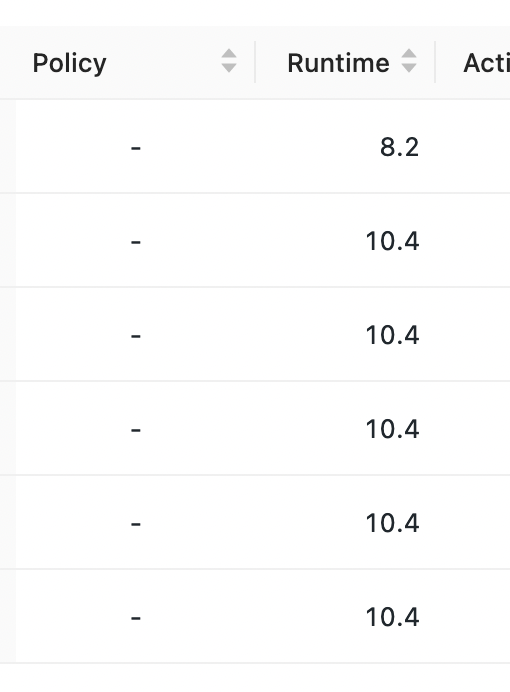
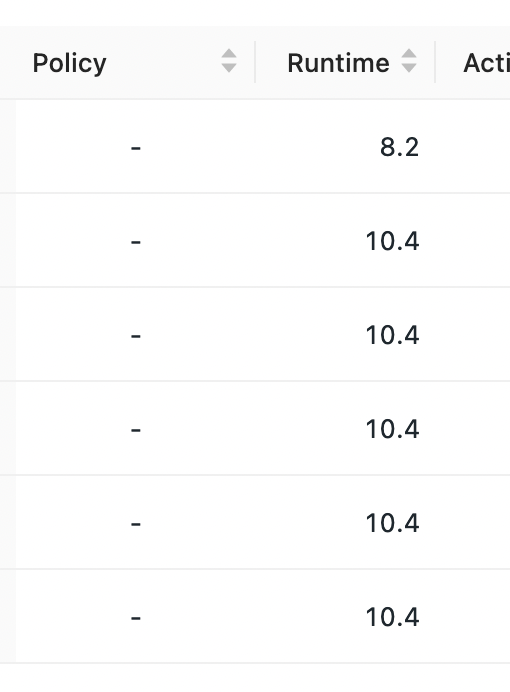
I just upgraded my personal node and %debug worked! I appreciate the reminder to use pdb() itself when appropriate too.
I'm still interested in whether we should have any concerns about upgrading our main cluster - please do let me know, and then I'll happily close out the question!