- Mark as New
- Bookmark
- Subscribe
- Mute
- Subscribe to RSS Feed
- Permalink
- Report Inappropriate Content
10-18-2022 07:16 AM
 First, I tried to configure Autoloader in File notification mode to access the Premium BlobStorage 'databrickspoc1' (PREMIUM , ADLS Gen2). I get this Error: I get this error
com.microsoft.azure.storage.StorageException:
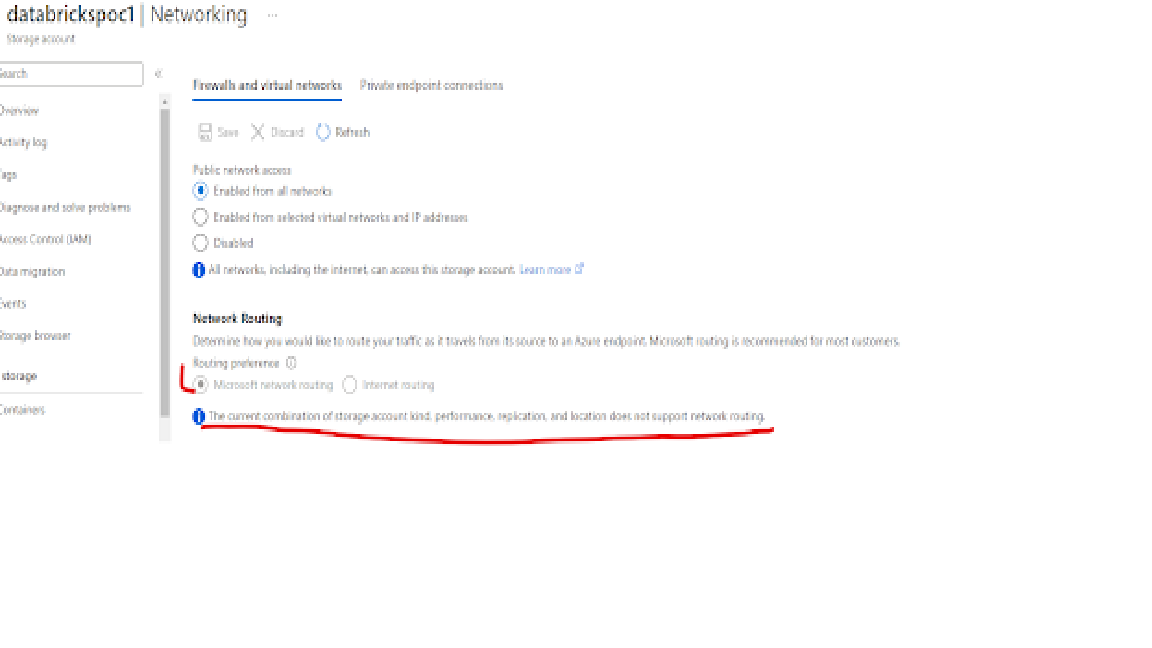
I checked my storage account->Networking and got this info msg: The current combination of storage kind…does not support network routing. ( see the image)
- Labels:
-
File Notification Mode

- Mark as New
- Bookmark
- Subscribe
- Mute
- Subscribe to RSS Feed
- Permalink
- Report Inappropriate Content
10-18-2022 07:45 AM
Hi @Chris Konsur , Could you please refer https://learn.microsoft.com/en-us/azure/storage/common/configure-network-routing-preference?tabs=azu... and https://learn.microsoft.com/en-us/azure/storage/common/network-routing-preference .
Also, to confirm the limitation could you please raise a support case to Microsoft azure?

- Mark as New
- Bookmark
- Subscribe
- Mute
- Subscribe to RSS Feed
- Permalink
- Report Inappropriate Content
11-03-2022 02:41 AM
When you created a premium account, have you chosen "Premium account type" as "File shares"? It should be "Block blobs".
My blog: https://databrickster.medium.com/