Python spark.read.text Path does not exist

- Mark as New
- Bookmark
- Subscribe
- Mute
- Subscribe to RSS Feed
- Permalink
- Report Inappropriate Content
10-21-2019 01:42 AM
Dear all,
I want to read files with python from a storage account. I followed this instruction https://docs.microsoft.com/en-us/azure/azure-databricks/store-secrets-azure-key-vault.
This is my python code:
dbutils.fs.mount(source = "wasbs://container1@datalake1.blob.core.windows.net", mount_point = "/mnt/container1", extra_configs = {"fs.azure.sas.container1.datalake1.blob.core.windows.net":dbutils.secrets.get(scope = "secretscope", key = "secret")})
df = spark.read.text("mnt/container1/helloworld.txt")
df.show()
The mount part runs succesfull, but it is not possible to read the file which is located in the container. I got this error "AnalysisException: 'Path does not exist: dbfs:/mnt/container1/helloworld.txt;'".
Is this a security reason?
Any help would be appreciated!!! Thank you very much!!
best regards,
Rudolf- Labels:
-
Data Ingestion & connectivity
-
Python

- Mark as New
- Bookmark
- Subscribe
- Mute
- Subscribe to RSS Feed
- Permalink
- Report Inappropriate Content
10-22-2019 12:19 AM
Hi @rba76,
Please follow as below,
https://docs.azuredatabricks.net/data/data-sources/azure/azure-storage.html

- Mark as New
- Bookmark
- Subscribe
- Mute
- Subscribe to RSS Feed
- Permalink
- Report Inappropriate Content
10-25-2019 03:30 AM
@rba76 Make sure helloworld.txt file exists in the container1 folder
I'm able to view the text file using the same commands as follows:
Mount Blob Storage:
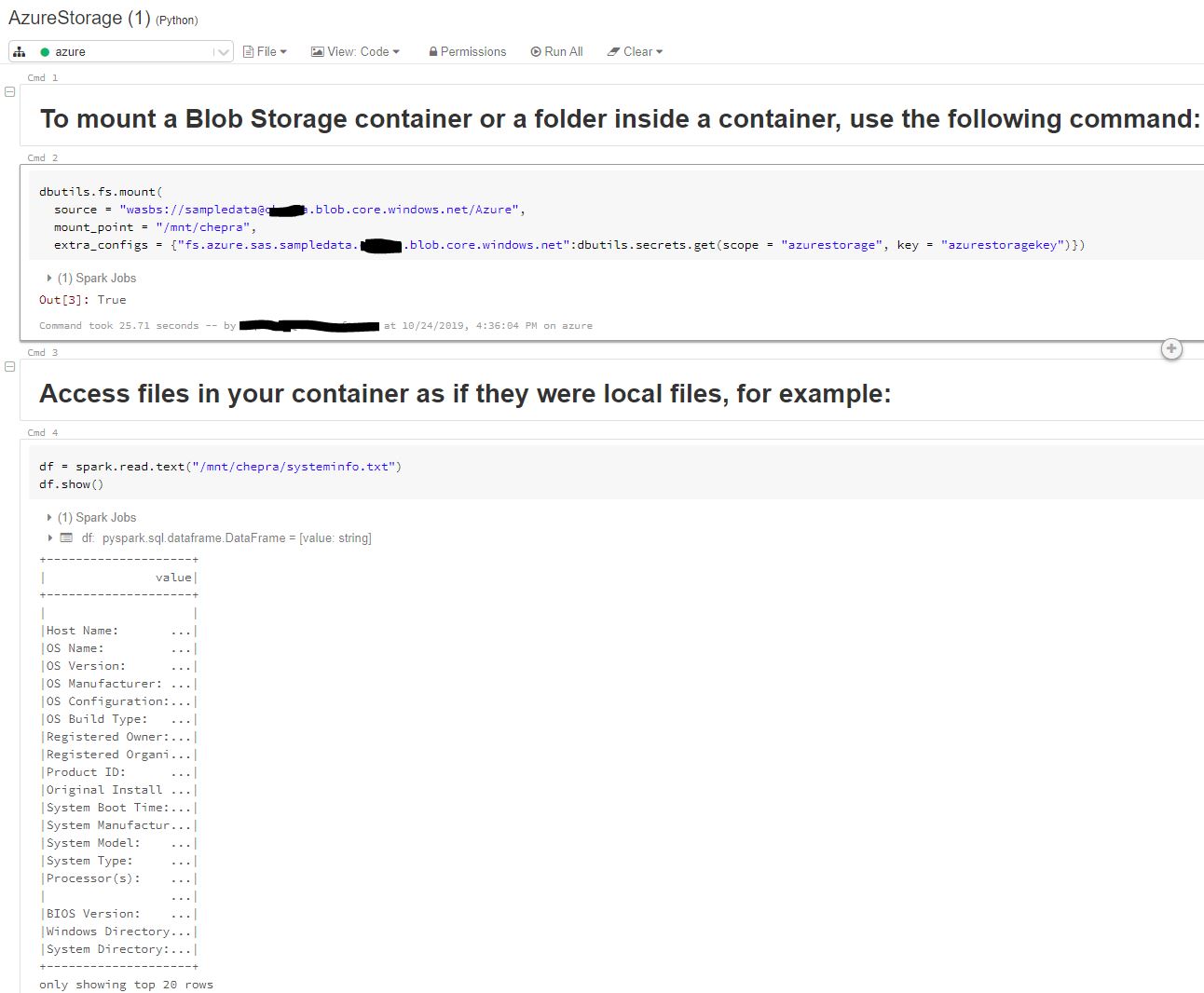
dbutils.fs.mount(
  source = "wasbs://sampledata@azure.blob.core.windows.net/Azure",
  mount_point = "/mnt/chepra",
  extra_configs = {"fs.azure.sas.sampledata.azure.blob.core.windows.net":dbutils.secrets.get(scope = "azurestorage", key = "azurestoragekey")})
Access files in your container as if they were local files, for example:
df = spark.read.text("/mnt/chepra/systeminfo.txt")
df.show()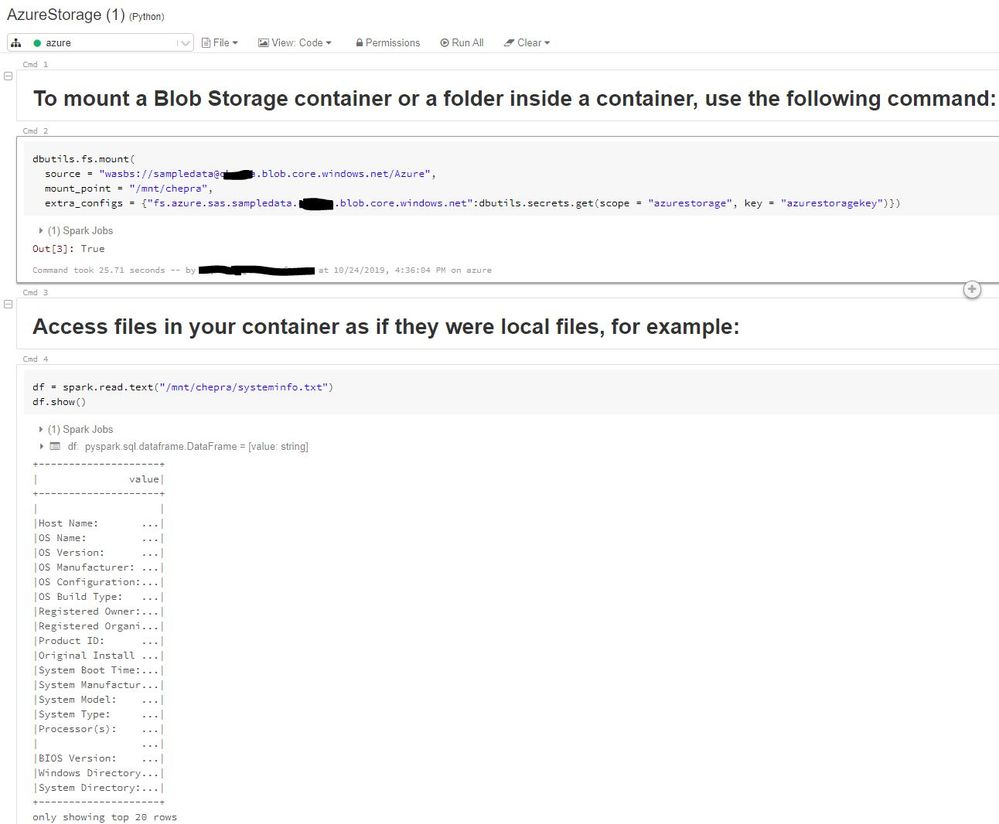
Hope this helps.