Delta Live Table Graph different with no change in Notebook code

- Mark as New
- Bookmark
- Subscribe
- Mute
- Subscribe to RSS Feed
- Permalink
- Report Inappropriate Content
09-06-2023 05:05 AM
I have a DLT code to create 40+ bronze tables. The tables are created on top of the latest parquet files for each of those tables.
While executing the pipeline, sometimes I notice that the graph is different than the regular one i see. I do not understand why that happens.
Graph i expect to see:
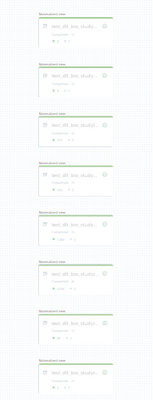
Graph i see sometimes:

As you can see from the screenshots - only 2 tables were created in the second run while all 40+ tables were created in the first run. The underlying parquet files were the same in both cases.
- Mark as New
- Bookmark
- Subscribe
- Mute
- Subscribe to RSS Feed
- Permalink
- Report Inappropriate Content
09-06-2023 08:27 AM
@Retired_mod - Thank you for your response. There is no change in the table dependencies.
The code to create the individual raw tables look like this: The input to this is always the same 40 tables with only the underlying parquet file changing. I cant understand why it creates 40 tables in the first run and then only 2 tables in the second run.
