Workflow timeout

- Mark as New
- Bookmark
- Subscribe
- Mute
- Subscribe to RSS Feed
- Permalink
- Report Inappropriate Content
09-07-2023 08:59 AM
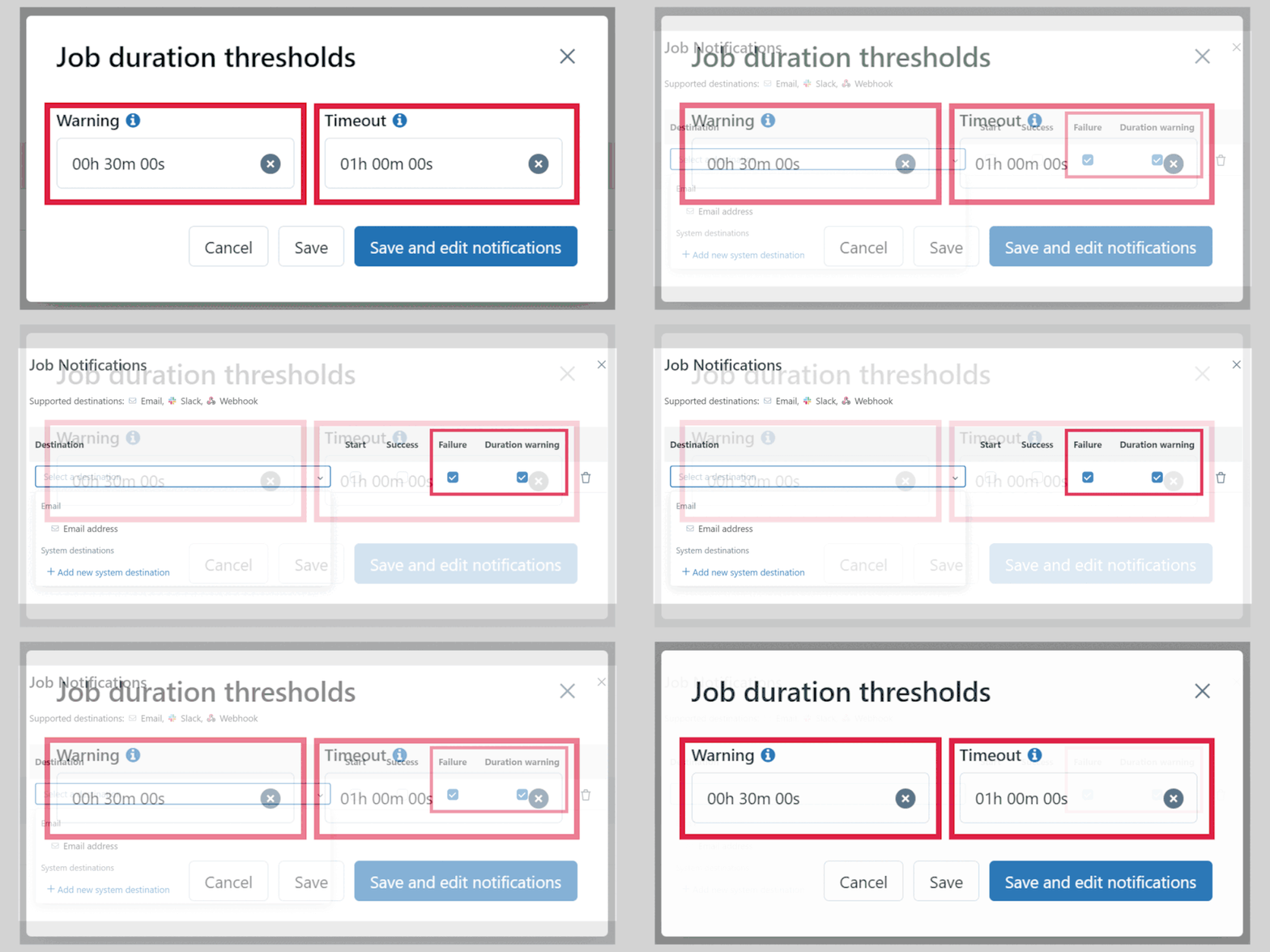
Always set a timeout for your jobs! It not only safeguards against unforeseen hang-ups but also optimizes resource utilization. Equally essential is to consider having a threshold warning. This can alert you before a potential failure, allowing proactive measures. And don’t forget to enable notifications both for threshold warnings and failed jobs.
My blog: https://databrickster.medium.com/
- Labels:
-
Workflows

- Mark as New
- Bookmark
- Subscribe
- Mute
- Subscribe to RSS Feed
- Permalink
- Report Inappropriate Content
09-12-2023 10:10 AM
Thank you for sharing this @Hubert-Dudek

- Mark as New
- Bookmark
- Subscribe
- Mute
- Subscribe to RSS Feed
- Permalink
- Report Inappropriate Content
10-14-2024 02:51 AM
Hi
How do I set this as default for all users in my workspace. i.e. they shouldn't be able to run jobs for more than 24 hours

- Mark as New
- Bookmark
- Subscribe
- Mute
- Subscribe to RSS Feed
- Permalink
- Report Inappropriate Content
10-14-2024 04:57 AM
@sparkplug - You can achieve this in the cluster policy by setting the job timeout_seconds to 86400.
- Mark as New
- Bookmark
- Subscribe
- Mute
- Subscribe to RSS Feed
- Permalink
- Report Inappropriate Content
10-14-2024 06:45 AM
We already have a policy and users are using clusters created with those to run their jobs. Since the policies are not based on job compute but on Power user compute, I am not able to set the job timeout_seconds.
