- Mark as New
- Bookmark
- Subscribe
- Mute
- Subscribe to RSS Feed
- Permalink
- Report Inappropriate Content
02-03-2023 01:04 PM
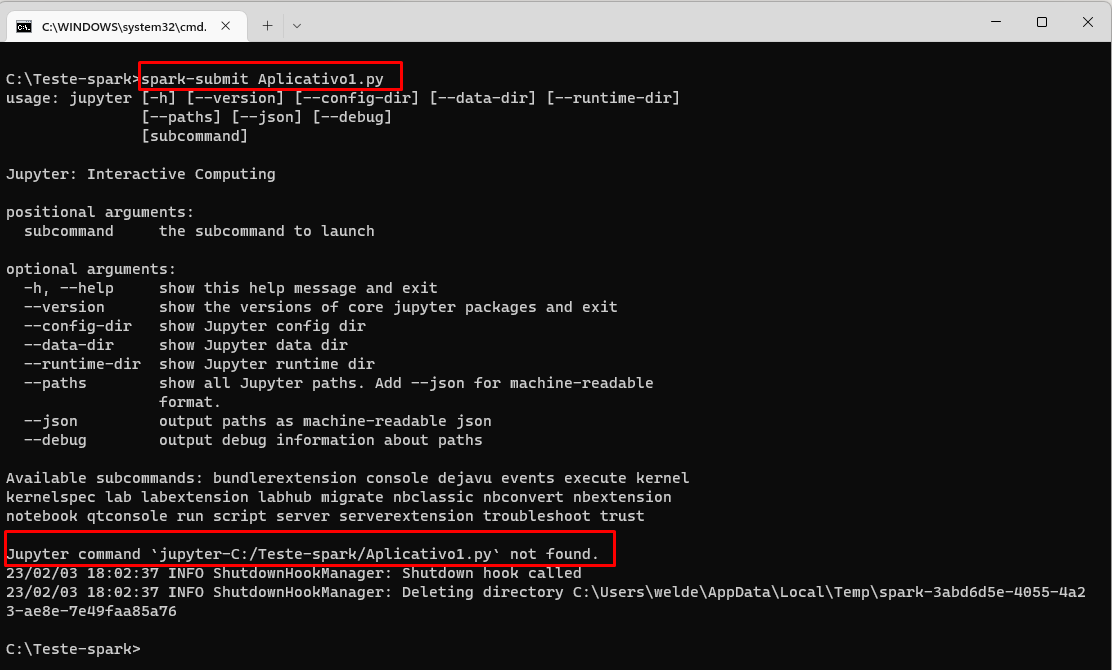
I have Jupyter Notebook installed on my machine working normally. I tested running a Spark application by running the spark-submit command and it returns the message that the file was not found. What do you need to do to make it work?
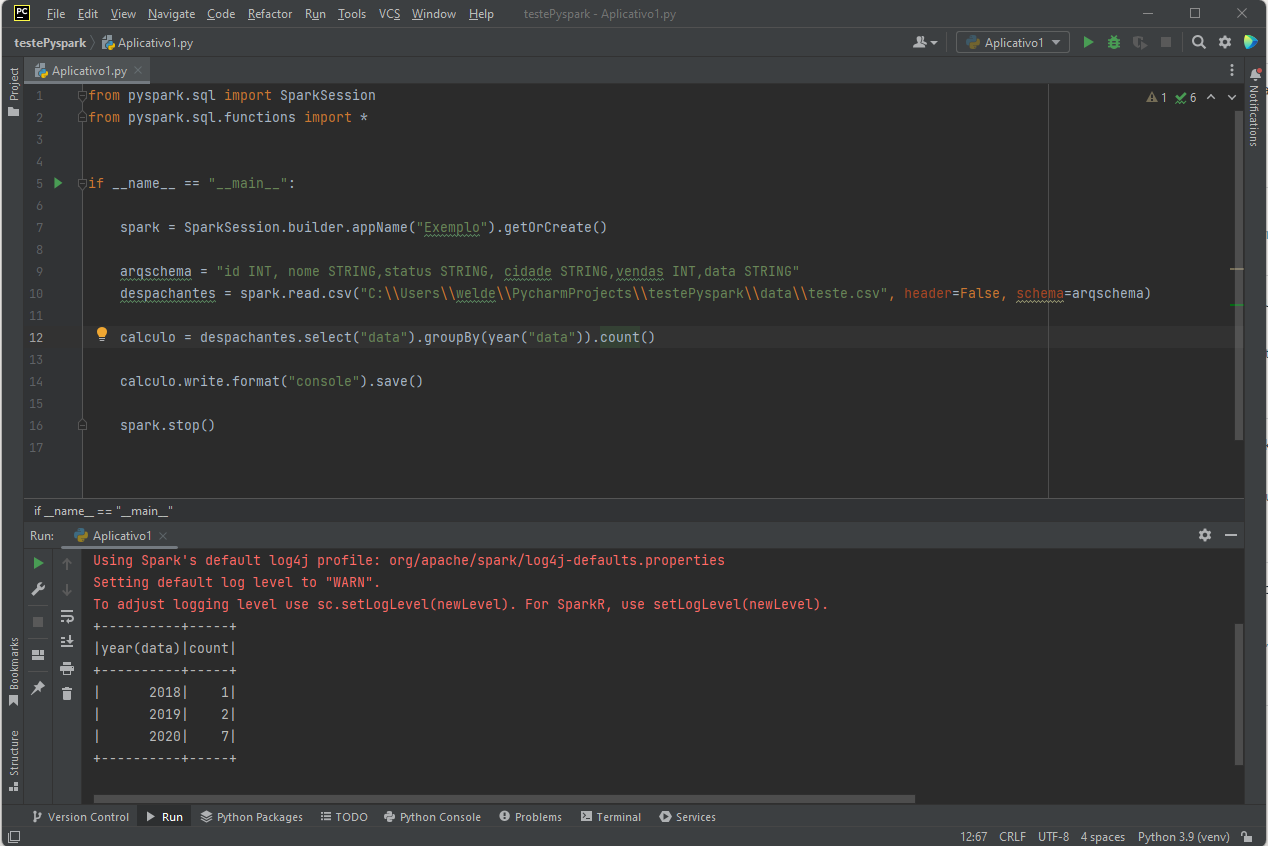
Below is a file with a simple example.
from pyspark.sql import SparkSession
from pyspark.sql.functions import *

if __name__ == "__main__":
  spark = SparkSession.builder.appName("Exemplo").getOrCreate()

 arqschema = "id INT, nome STRING,status STRING, cidade STRING,vendas INT,data STRING"

 despachantes = spark.read.csv("C:\test-spark\despachantes.csv",header=False, schema=arqschema)

  calculo = despachantes.select("date").groupBy(year("date")).count()

  calculo.write.format("console").save()


  spark.stop()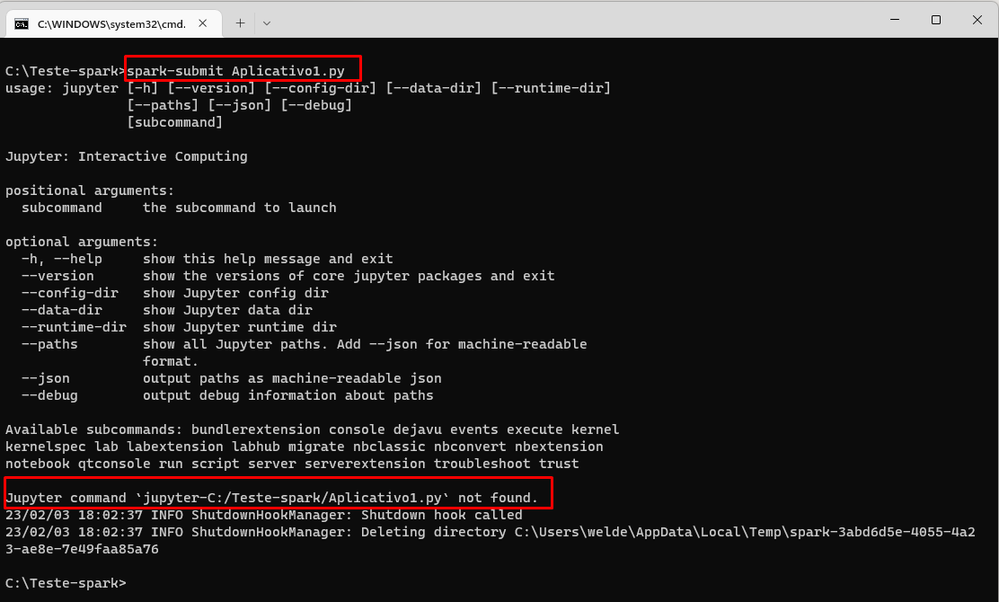
- Labels:
-
Int
-
Spark application
-
Spark-submit
-
Windows
- Mark as New
- Bookmark
- Subscribe
- Mute
- Subscribe to RSS Feed
- Permalink
- Report Inappropriate Content
02-05-2023 10:20 AM
Hi, yet this is not tested in my lab, but could you please check and confirm if this works: https://stackoverflow.com/questions/37861469/how-to-submit-spark-application-on-cmd
- Mark as New
- Bookmark
- Subscribe
- Mute
- Subscribe to RSS Feed
- Permalink
- Report Inappropriate Content
02-06-2023 05:38 PM
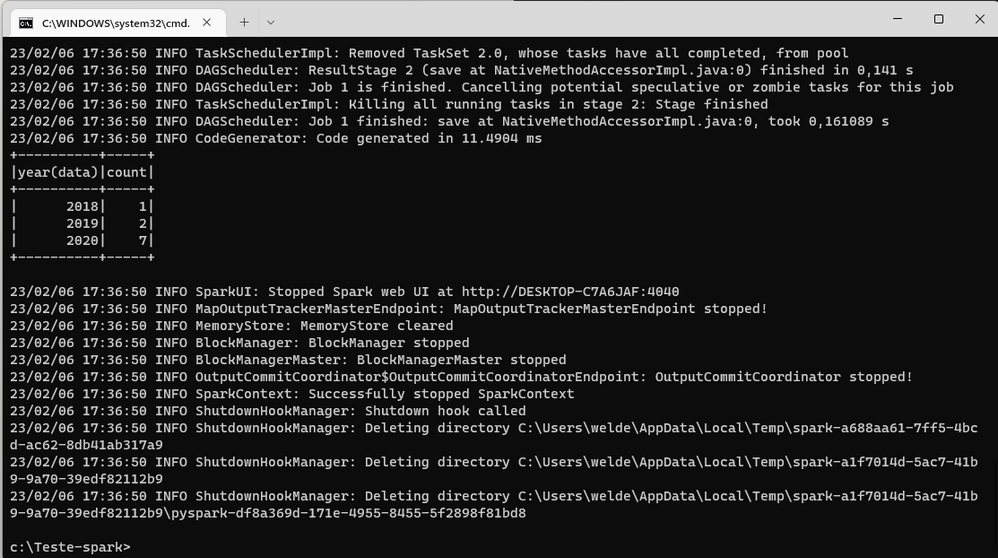
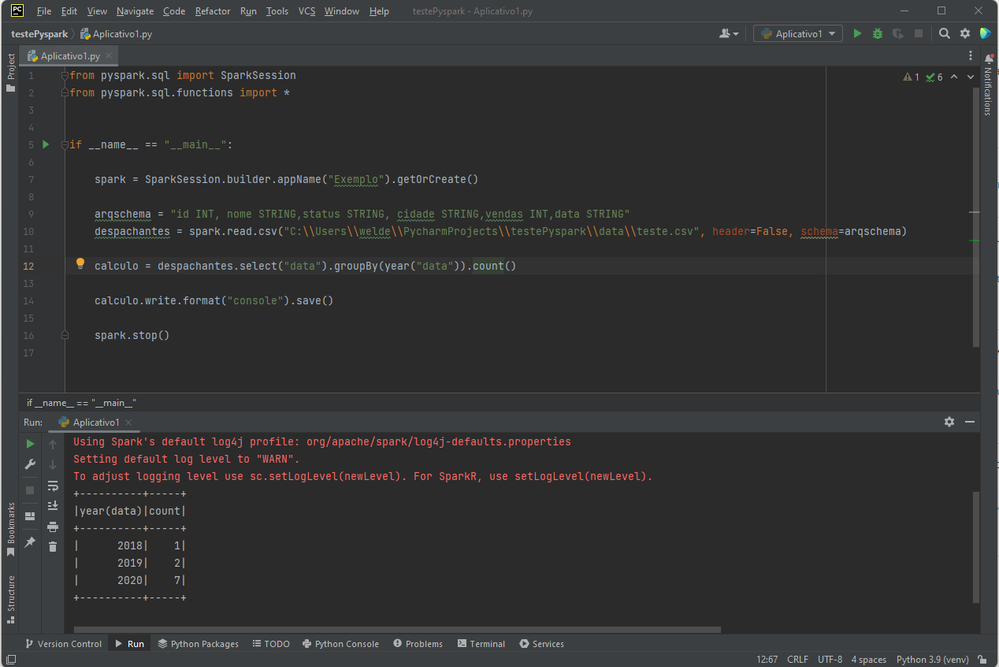
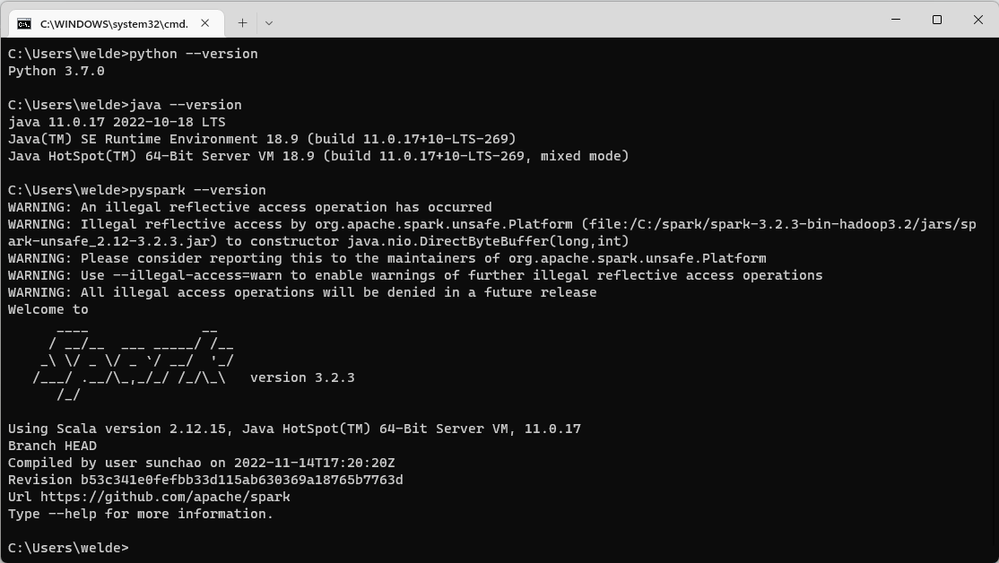
I managed to resolve. It was java and python incompatibility with the Spark version I was using.
I will create a video, explaining how to use Spark without Jupyter notebook.