how can i export my dashboard en format html using databriks api

- Mark as New
- Bookmark
- Subscribe
- Mute
- Subscribe to RSS Feed
- Permalink
- Report Inappropriate Content
01-13-2023 03:08 AM
hi everyone, i would like to export my dashbord in html format and embed it in my body of my email in order to send it to my team
so there is my code python for the databriks api
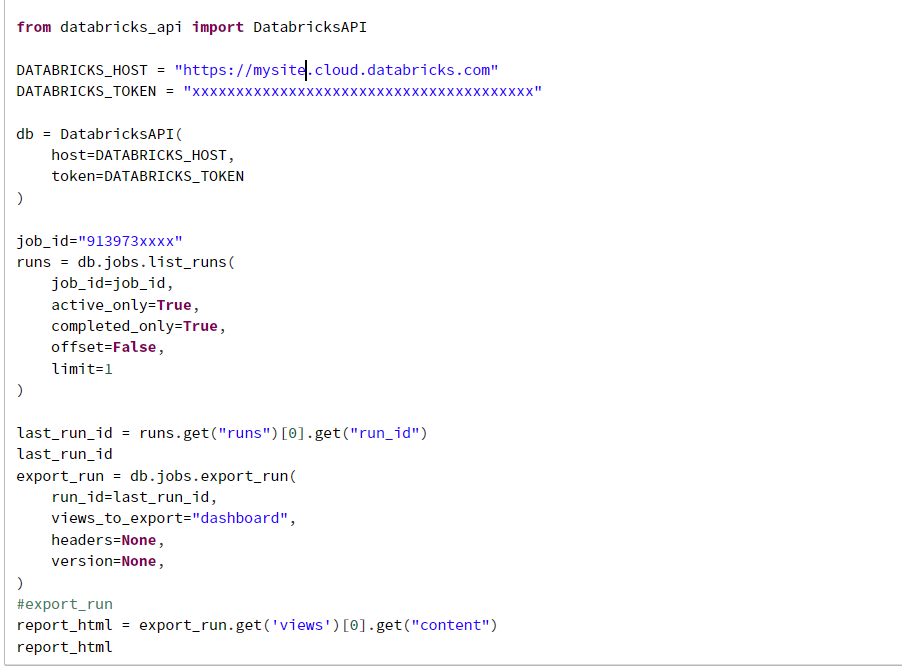
and i got this error
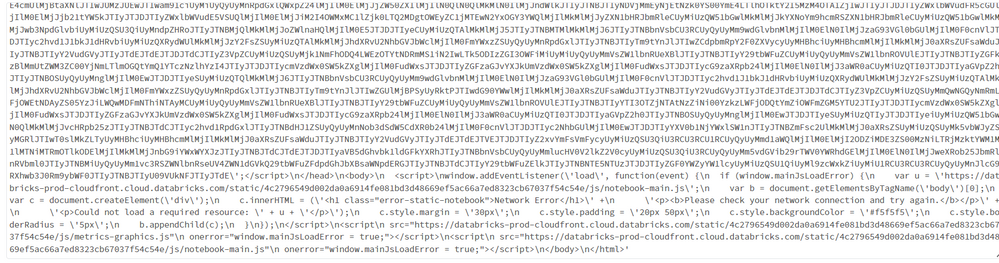
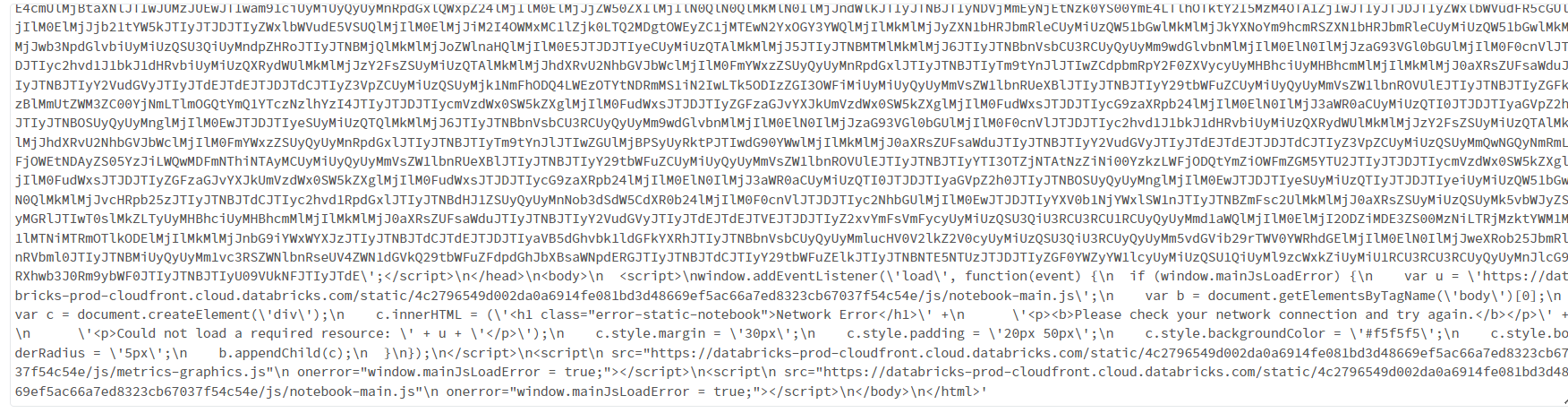
and when i put my htm in the body of my message i got nothing on the result
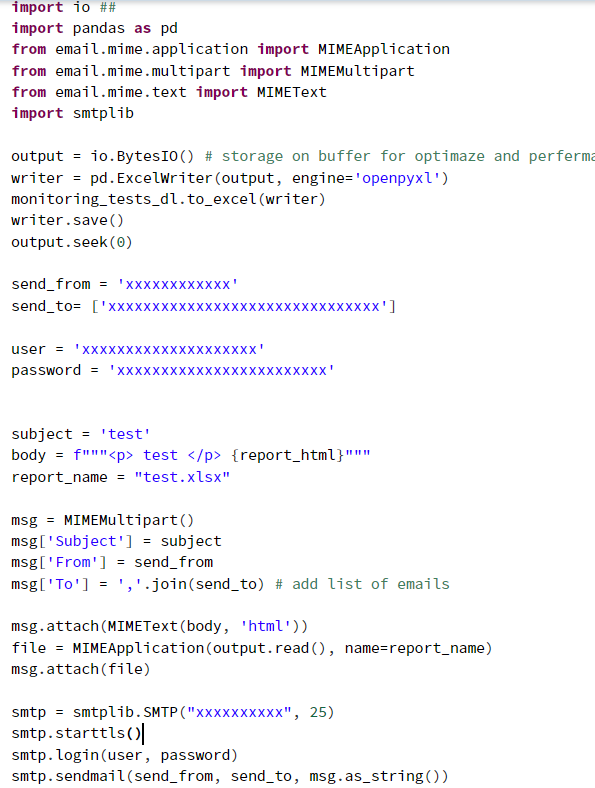
so there is my code for sending emails 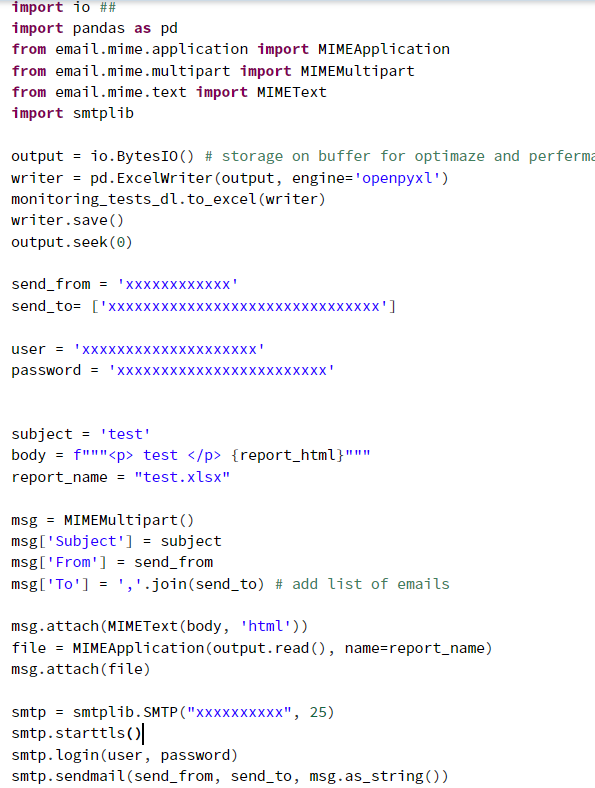
- Labels:
-
HTML Format

- Mark as New
- Bookmark
- Subscribe
- Mute
- Subscribe to RSS Feed
- Permalink
- Report Inappropriate Content
03-08-2023 08:20 PM
@mathild noun :
import databricks.workspace as workspace_api
import requests

# set up your Databricks workspace credentials
domain = "<your Databricks workspace domain>"
token = "<your Databricks API token>"

# set up the workspace client
workspace = workspace_api.WorkspaceApi(domain, token)

# set up the dashboard path and file name
dashboard_path = "/Shared/MyDashboard"
dashboard_file_name = "MyDashboard.html"

# export the dashboard
dashboard_html = workspace.export_dashboard(dashboard_path)

# write the dashboard HTML to a file
with open(dashboard_file_name, "w") as f:
    f.write(dashboard_html)

# load the HTML file into a requests object
with open(dashboard_file_name, "rb") as f:
    file_content = f.read()
html_file = {'file': ('MyDashboard.html', file_content)}

# set up the email parameters
to = ['team1@example.com', 'team2@example.com']
subject = 'My Dashboard'
body = 'Please find attached my dashboard.'

# send the email with the dashboard HTML attachment
response = requests.post(
    "https://api.mailgun.net/v3/<your-mailgun-domain>/messages",
    auth=("api", "<your-mailgun-api-key>"),
    files=[html_file],
    data={"from": "<your-email-address>",
          "to": to,
          "subject": subject,
          "html": body})
In this example, we first use the export_dashboard() function to export the dashboard HTML to a file, then we load the HTML file into a requests object and send it as an email attachment using Mailgun's email API. Note that you'll need to replace the placeholders in the code (such as <your Databricks workspace domain>, <your Databricks API token>, <your-mailgun-domain>, <your-mailgun-api-key>,
<your-email-address>, etc.) with your own values.
Hope this helps!