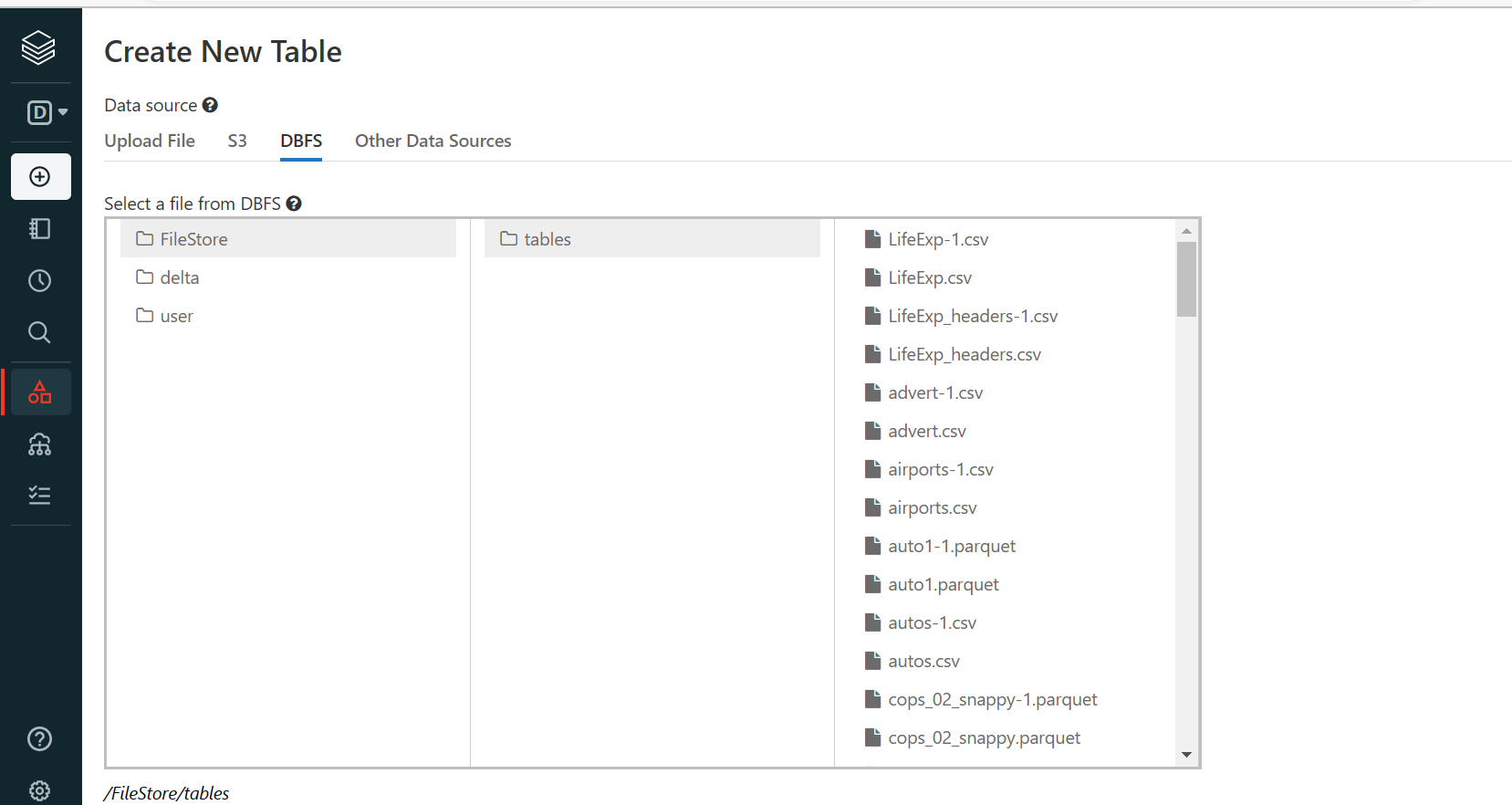
How to delete duplicate tables?

- Mark as New
- Bookmark
- Subscribe
- Mute
- Subscribe to RSS Feed
- Permalink
- Report Inappropriate Content
01-10-2023 05:08 PM

- Mark as New
- Bookmark
- Subscribe
- Mute
- Subscribe to RSS Feed
- Permalink
- Report Inappropriate Content
01-10-2023 09:25 PM
Hi @Mahesh Babu Uppala ,
You can use the below command to delete the particular file
dbutils.fs.rm("path of the file")If you want to delete the entire directory where it consists of sub-directories and files, you can use the below command to delete the files recursively
dbutils.fs.rm("path of the folder",True)After executing the above commands you will be getting the output below, to confirm file/directory got deleted successfully.
"Boolean = true"
Happy Learning!!

- Mark as New
- Bookmark
- Subscribe
- Mute
- Subscribe to RSS Feed
- Permalink
- Report Inappropriate Content
01-11-2023 06:30 AM
Hi @Mahesh Babu Uppala
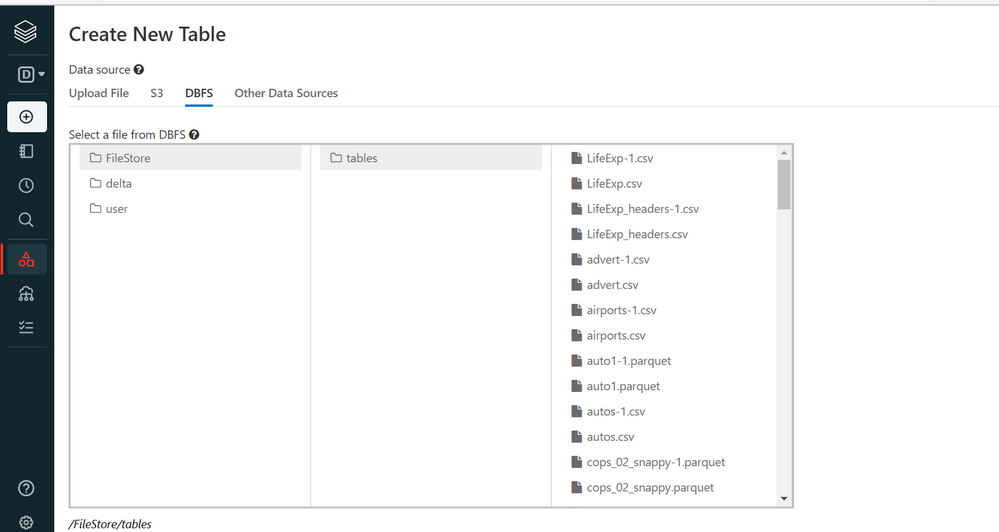
You can use the following method to delete only the duplicate tables
%scala
val tables = spark.sql("""SHOW TABLES""").createOrReplaceTempView("tables")
val temp_tables = spark.sql("""select tableName from tables where tableName like '%-1%' """)
temp_tables.collect().foreach(row => println("DROP TABLE IF EXISTS " + row.toString().replace("[", "").replace("]", "") + ";"))
You will get the sql command in a string...you can either copy this cell output to another cell directly and run it or you can automate the process by storing this output into a variable and then calling it through a loop...Better way would be to simply copy the output and execute it.
Hope this helps..Cheers...