Cannot restart or create a new cluster on Databricks using Google Cloud Platform

- Mark as New
- Bookmark
- Subscribe
- Mute
- Subscribe to RSS Feed
- Permalink
- Report Inappropriate Content
05-12-2023 01:25 AM
I started a free trial with Databricks and everything was running perfectly. The trial ended on the 28th April and I am assuming I was simply transferred to the normal premium paid plan. I last used my general cluster on the 2nd May. Since coming back from a weeks holiday, I am unable to restart my general compute cluster. I tried deleting this cluster and creating a new one. I am stuck in the state of "Finding instances for new nodes, acquiring new instances if necessary" and have been for nearly 2 hours.
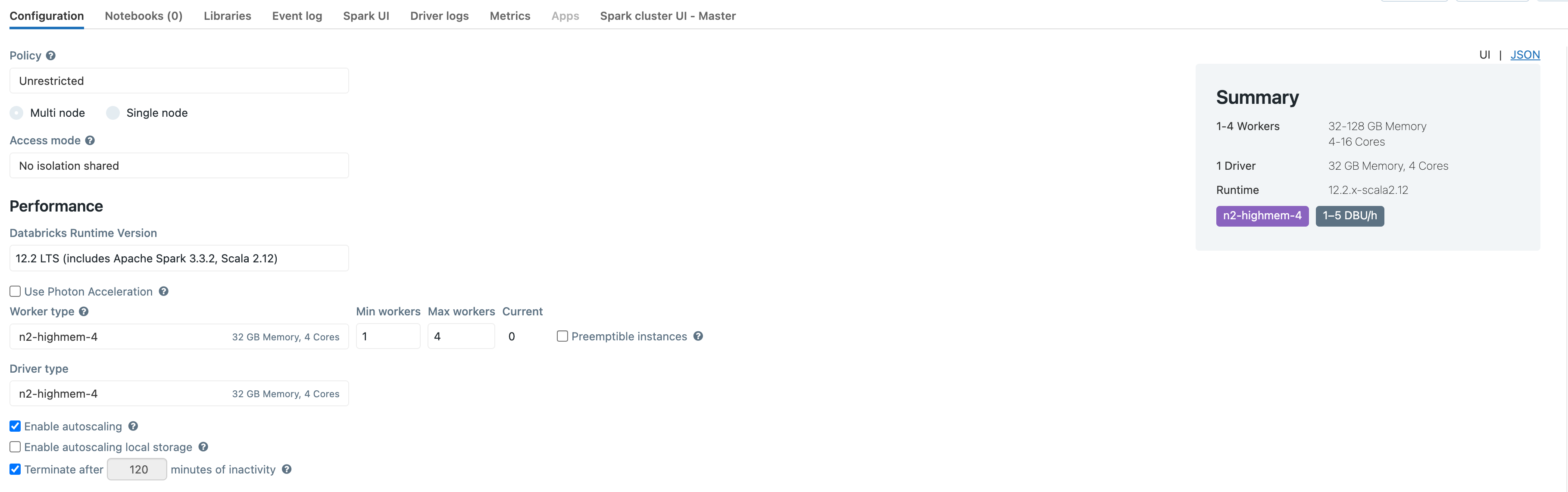
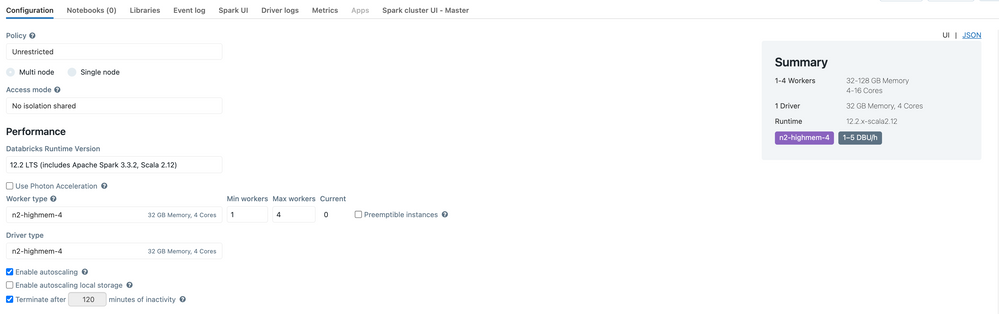
I currently have below the required minimum quota on GCP for n2_cpus. I have 24, and have requested an increase to 50 multiple times but have been rejected. I am assuming I need to prove I am hitting my current quota limit before GCP allow me to increase. I guessed this might be the issue, so I reduced the number of workers in my new cluster to max 4, however I am still unable to create a cluster (see image of cluster configuration). Despite being stuck in this "creating" state for some hours, I see no error on the Databricks side, and no clues to why this is happening. If i look at the event log all I see is CREATING as seen in the attached image.

Nothing from my perspective has changed since the last time I used Databricks. This is a huge pain since I was planning on ramping up my activity on Databricks and now we are losing a great deal of productivity.
Any help would be greatly appreciated.