- Mark as New
- Bookmark
- Subscribe
- Mute
- Subscribe to RSS Feed
- Permalink
- Report Inappropriate Content
05-16-2022 05:37 AM
Hello,
We are trying to load a Delta table from an Azure Data Lake Storage container into Power BI using the Databricks SQL Endpoint.
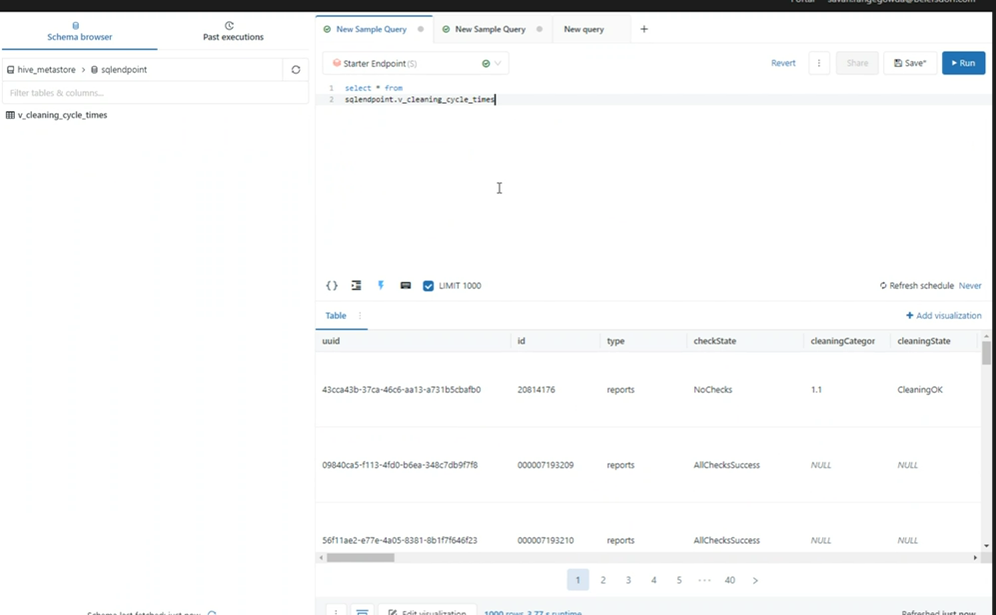
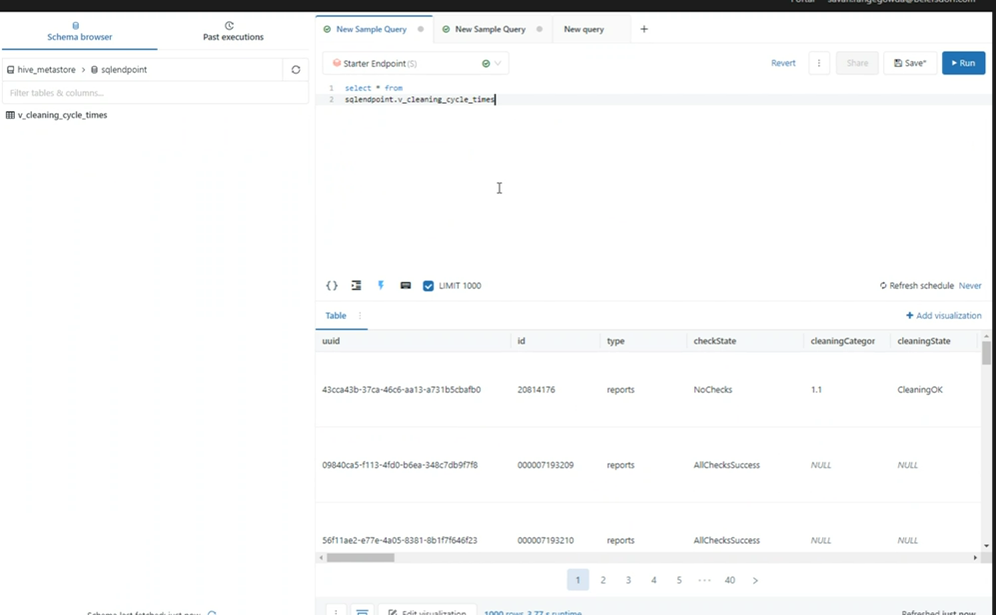
We configured the SQL Workspace data to have access to the ADLS Delta table and created a view; we are able to query the view from the Databricks SQL workspace.
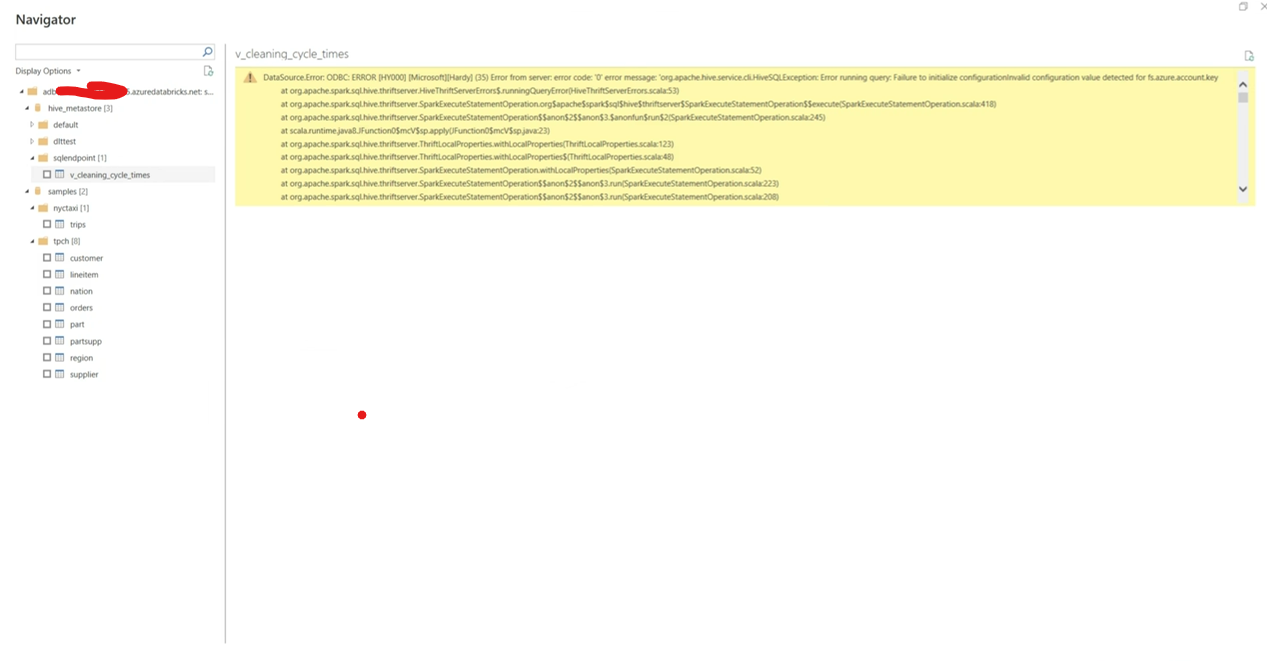
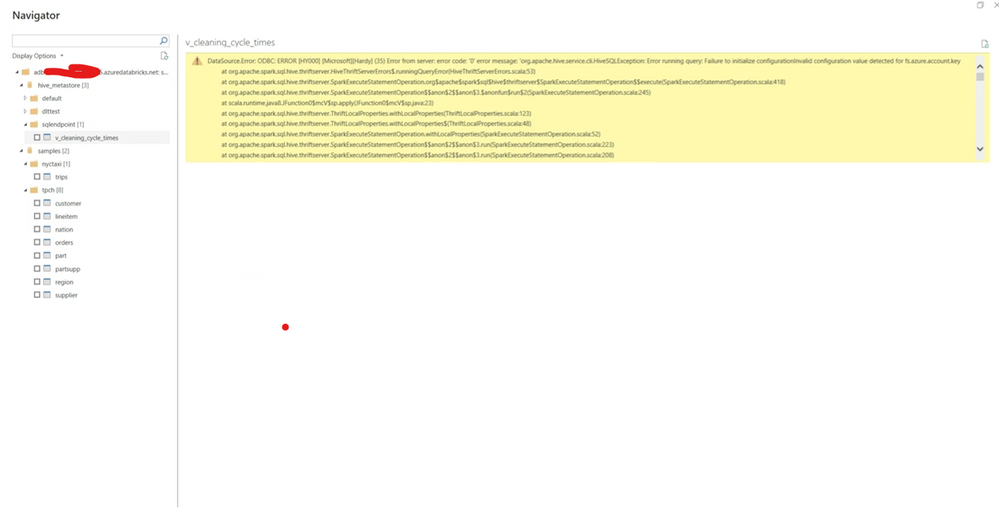
We created a personal access token and downloaded the PBI file, but when we choose the Delta (or any other table from the metadata) in Power BI we have this error:
DataSource.Error: ODBC: ERROR [HY000] [Microsoft][Hardy] (35) Error from server: error code: '0' error message: 'org.apache.hive.service.cli.HiveSQLException: Error running query: Failure to initialize configurationInvalid configuration value detected for fs.azure.account.key
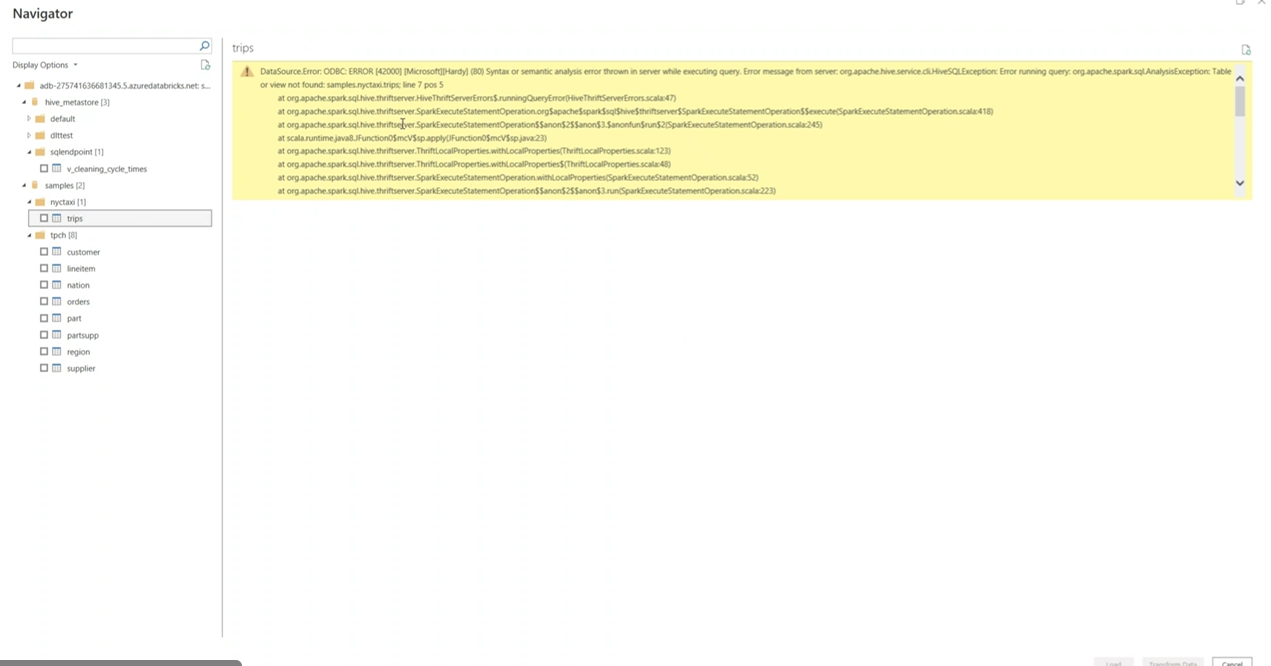
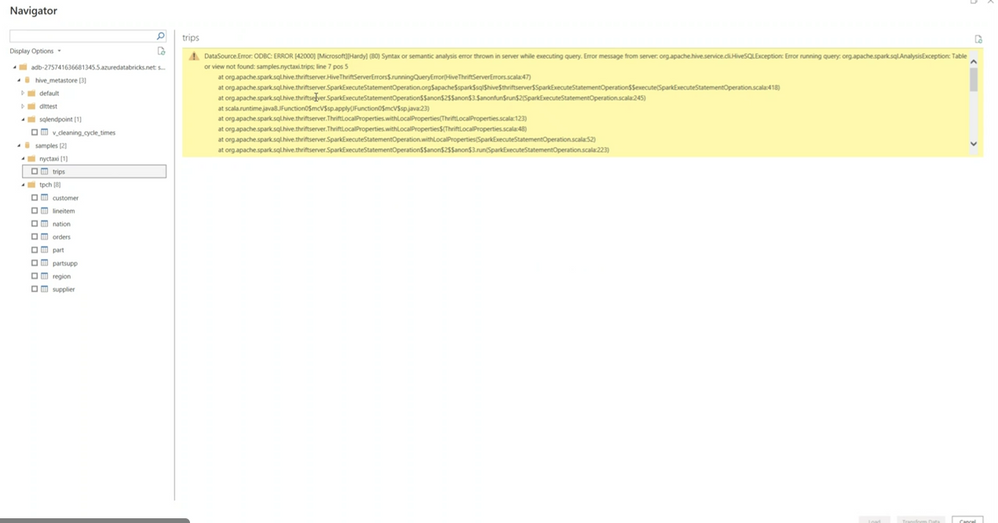
Also, on trying to connect to the "sample" tables in Databricks we have an error as well, just different:
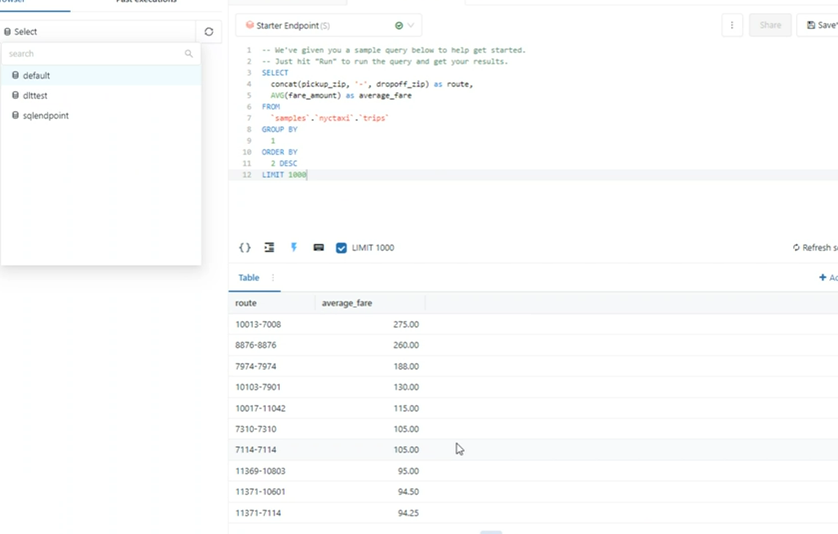
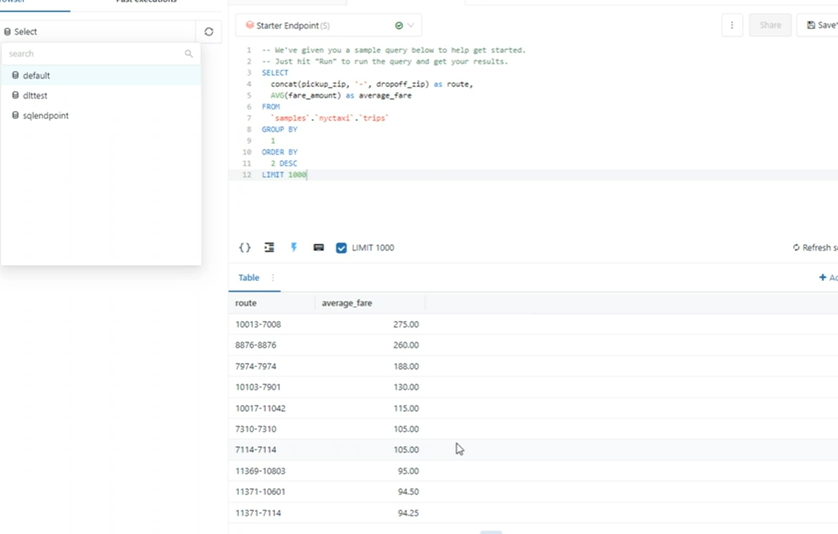
Querying from Databricks Workspace works:
Does anyone have an idea how to proceed, please?
Thank you!
- Labels:
-
SQL