Options
- Mark as New
- Bookmark
- Subscribe
- Mute
- Subscribe to RSS Feed
- Permalink
- Report Inappropriate Content
11-25-2022 07:25 AM
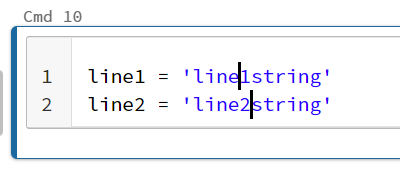
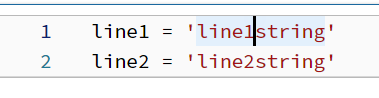
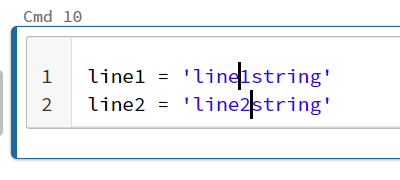
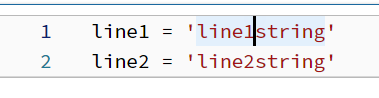
The old version of the notebook had this feature, where you could Ctrl+click on different positions in a notebook cell to bring the cursor there, and type to update the code in both the positions like in JupyterLab. The newer version is awesome but seems to lack this feature.
Is there any alternative way to do this?
- Old Databricks version, where you could simultaneously update the code in multiple positions like a Jupyter notebook
- New Databricks version, can only update at a single position at once
Labels:
- Labels:
-
DB Notebook
-
Notebook Cell