Options
- Mark as New
- Bookmark
- Subscribe
- Mute
- Subscribe to RSS Feed
- Permalink
- Report Inappropriate Content
07-30-2021 02:41 PM
Yep, I figured out the issue now. Both of you gave the right information to solve the problem.
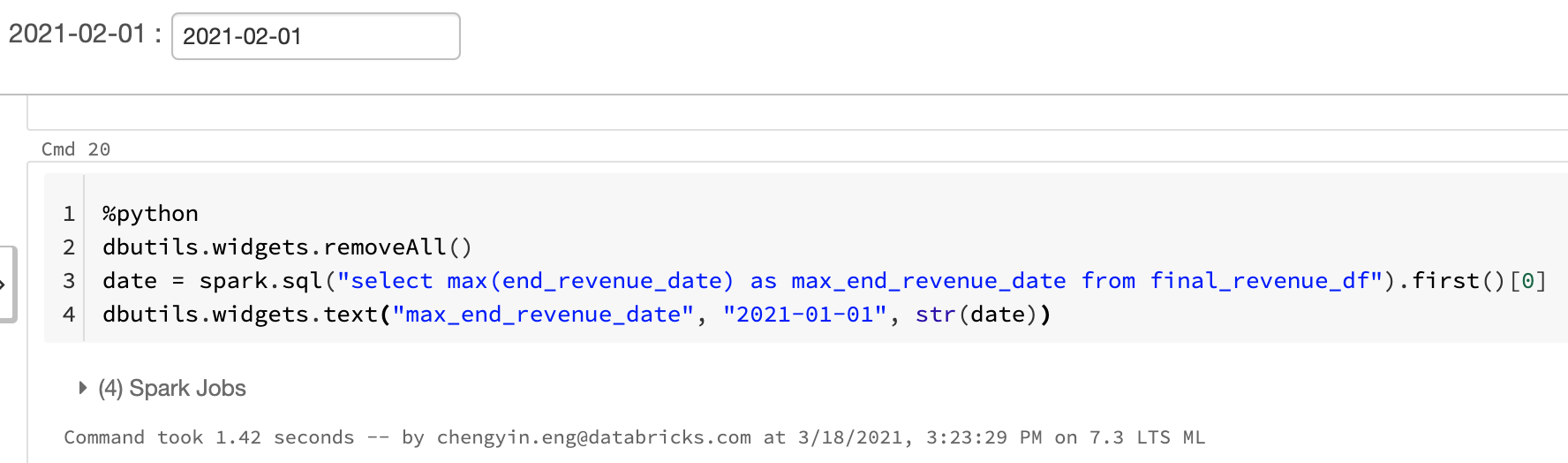
My first mistake was as Jacob mentioned, `date` is actually a dataframe object here. To get the string date, I had to do similar to what Amine suggested. See the screenshot here.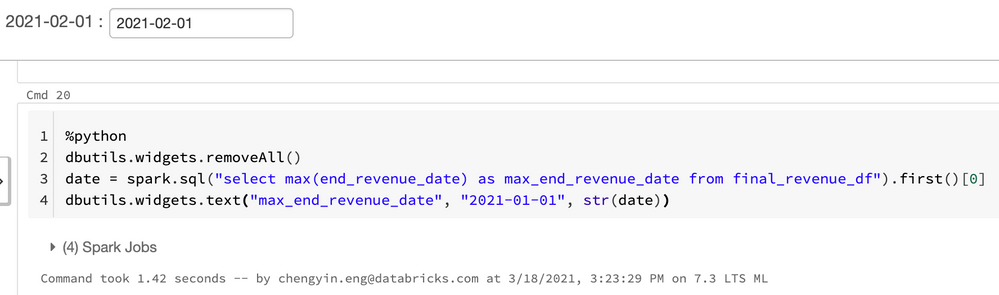
From the documentation:
text(name: String, defaultValue: String, label: String): void -> Creates a text input widget with a given name and default valueI have a mistake in my code. The third argument is actually the label, which is what shows up in the UI. However, `name`, which is the first positional argument, is what we would use with `dbutils.widgets.get("name")` here.