Options
- Mark as New
- Bookmark
- Subscribe
- Mute
- Subscribe to RSS Feed
- Permalink
- Report Inappropriate Content
08-04-2020 02:58 PM
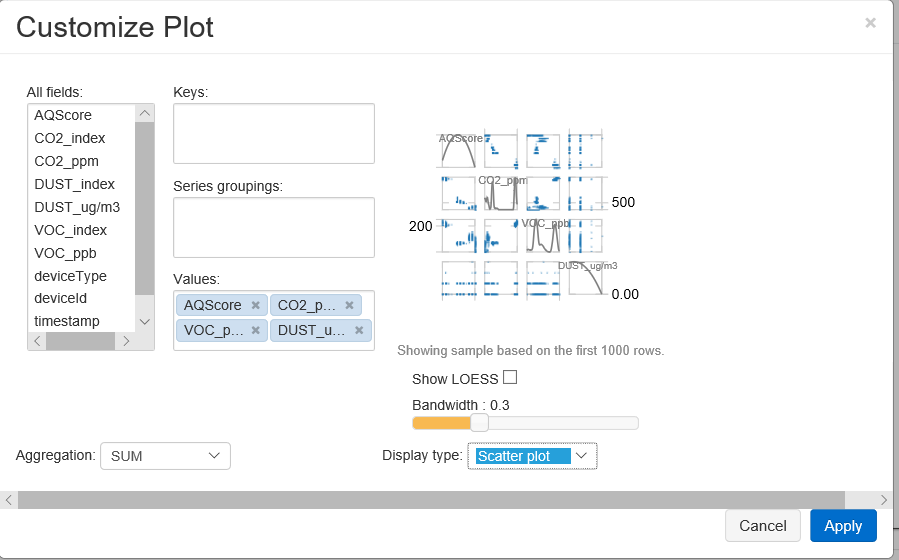
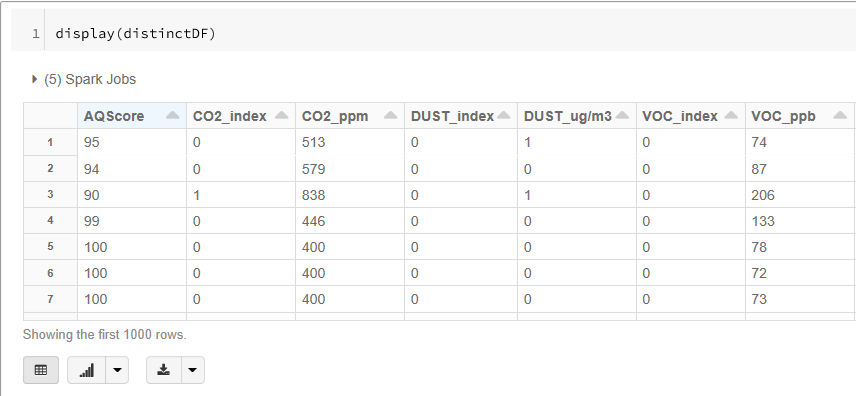
I found that you create a similar comparison plot as what you get from seaborn by using the display(sparkdf) and adding multiple columns to the 'Values' section while creating a 'Scatter plot'. You get to the 'Customize Plot' by clicking on the icon of the bar chart, then the 'Plot Options...' button will show up.