Options
- Mark as New
- Bookmark
- Subscribe
- Mute
- Subscribe to RSS Feed
- Permalink
- Report Inappropriate Content
01-19-2022 12:11 AM
Below are the steps that I followed. I still get an error message.
- Create a repo in gitlab enterprise edition
- In GitLab, create a personal access token that allows access to your repositories ( with read_repository and write_repository permissions)
- Save your access token to Databricks -> user setting -> git integration (selected GitLab Enterprise Edition)
- In Databricks, go to repos ->add repo ->clone remote git repo -> enter http url of repo & git provider -> create
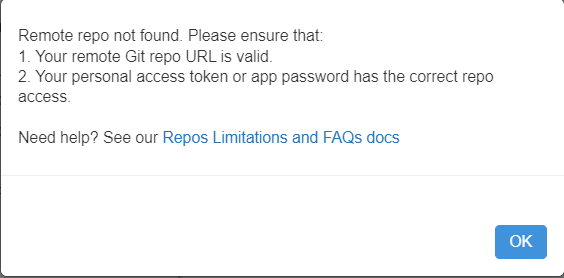
I get the below message. I check the validity of the git repo url by cloning it locally. It works. I also set up the personal access token correctly. Kindly help me on this.
Labels:
- Labels:
-
Gitlab