Unable to save CSV file into DBFS

Options
- Mark as New
- Bookmark
- Subscribe
- Mute
- Subscribe to RSS Feed
- Permalink
- Report Inappropriate Content
09-14-2022 01:08 AM
Hello,
I have took the azure datasets that are available for practice. I got the 10 days data from that dataset and now I want to save this data into DBFS in csv format. I have facing an error :
" No such file or directory: '/dbfs/tmp/myfolder/mytest.csv''"
but on the other hand if I am able to access the path directly from DBFS. This path is correct.
My code is :
from azureml.opendatasets import NoaaIsdWeather
from datetime import datetime
from dateutil import parser
from dateutil.relativedelta import relativedelta

spark.sql('DROP Table if exists mytest')
dbutils.fs.rm("/dbfs/tmp/myfolder",recurse = True)

basepath = "/dbfs/tmp/myfolder"

try:
    dbutils.fs.ls(basepath)
except:
    dbutils.fs.mkdirs(basepath)
else:
   raise Exception("The Folder "+ basepath + " already exist, this notebook will remove in the end")

dbutils.fs.mkdirs("/dbfs/tmp/myfolder")

start_date = parser.parse('2020-5-1')
end_date = parser.parse('2020-5-10')

isd = NoaaIsdWeather(start_date, end_date)
pdf = isd.to_spark_dataframe().toPandas().to_csv("/dbfs/tmp/myfolder/mytest.csv")
What should I do ?
Thanks
Labels:
- Labels:
-
Azure databricks
-
DBFS

Options
- Mark as New
- Bookmark
- Subscribe
- Mute
- Subscribe to RSS Feed
- Permalink
- Report Inappropriate Content
12-03-2022 10:28 PM

Options
- Mark as New
- Bookmark
- Subscribe
- Mute
- Subscribe to RSS Feed
- Permalink
- Report Inappropriate Content
12-08-2022 05:46 AM
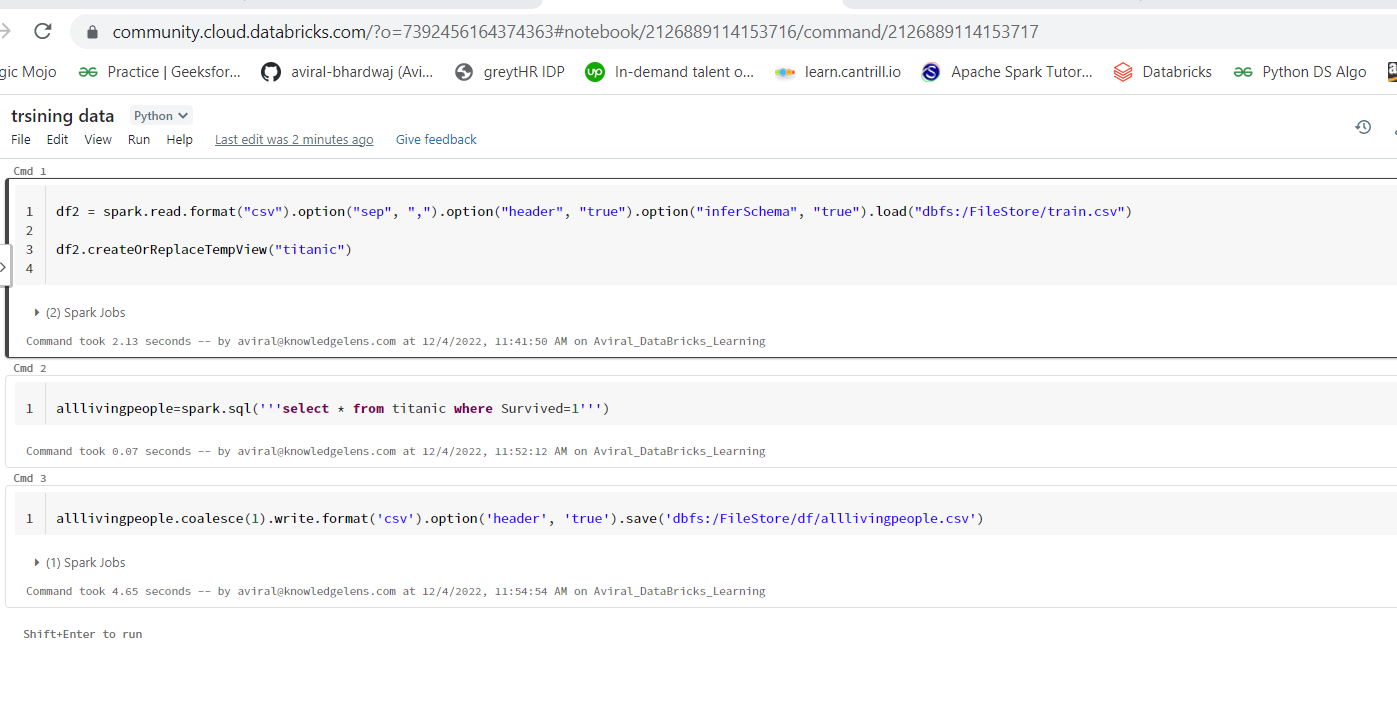
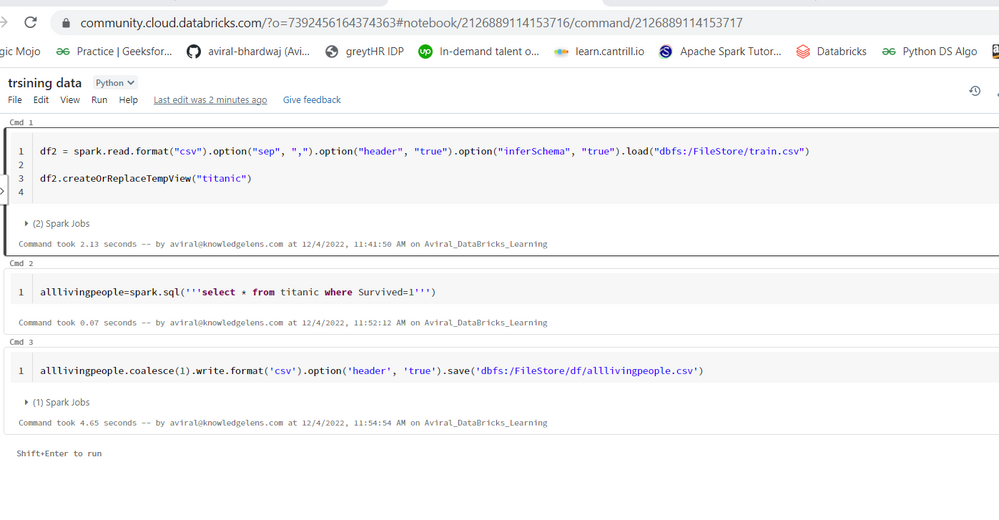
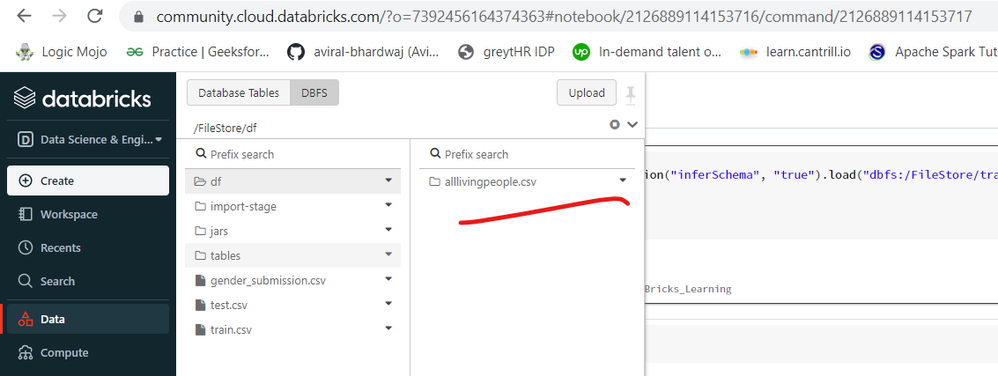
You can use spark dataframe to read and write the CSV files-
Read-
df=spark.read.csv("Path")

Write-

df.write.csv("Path")
Ajay Kumar Pandey