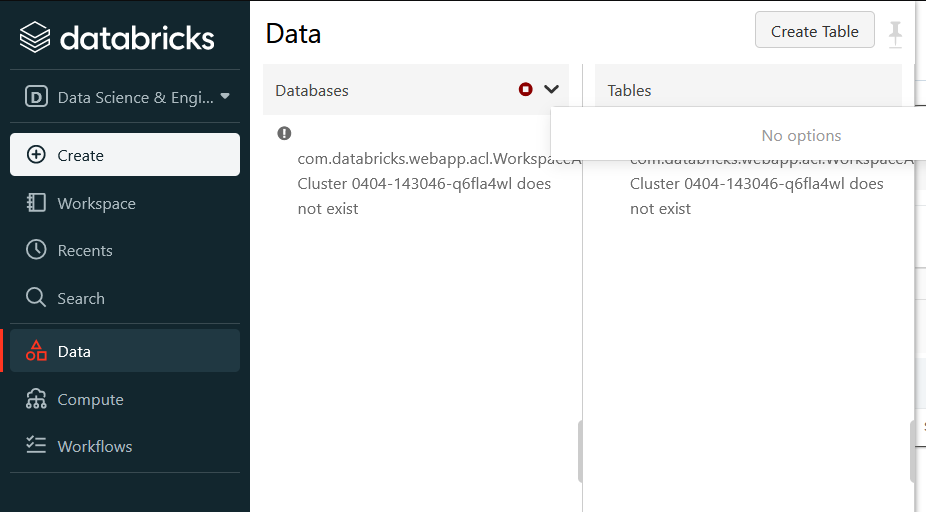
My 'Data' menu item shows 'No Options' for Databases. How can I fix?

- Mark as New
- Bookmark
- Subscribe
- Mute
- Subscribe to RSS Feed
- Permalink
- Report Inappropriate Content
04-10-2023 10:46 AM
Hi, I'm new to Databricks and I've signed up for the Community edition.
First, I've noticed that I cannot return to a previously created cluster, as I get the message telling me that restarting a cluster is not available to me. Ok, inconvenient, but I can create a new cluster.
However, on the new cluster, when I click the 'Data' menu item, I see an error message that the cluster does not exist (presumably this is the original cluster that I deleted because I cannot restart it). I have tried the 'Databases' dropdown, but this returns that there are 'No Options'. (See screenshot.)
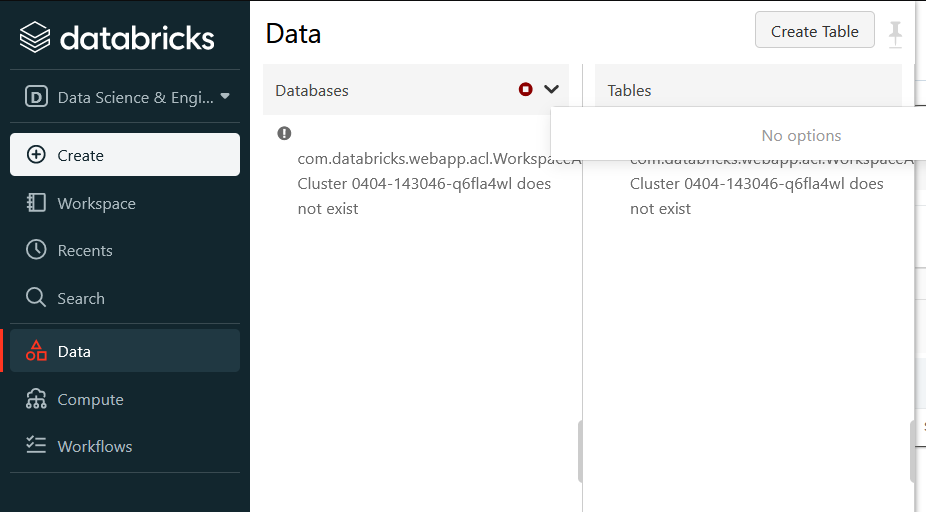
I think I need to attach to the new cluster somehow. If I create a new notebook and run 'Show Databases', then it succesfully lists the Default database. I can also Create a table from an external CSV, and then query the table. But I would like to fix the menu problem.
Can anyone please advise?
Thanks.
- Labels:
-
Data