Options
- Mark as New
- Bookmark
- Subscribe
- Mute
- Subscribe to RSS Feed
- Permalink
- Report Inappropriate Content
11-24-2021 09:04 AM
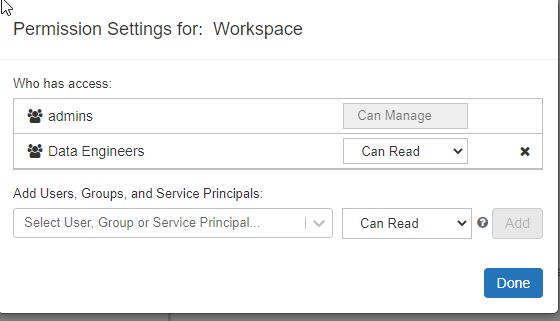
So I found a way to get 85% of the way there:
1) Disable workspace access for the users group.
2) Create a new group or use another group that you created for the next step.
3) Go to the workspace and right click on whitespace in the root directory.
4) Add the new group/existing group with Read access.
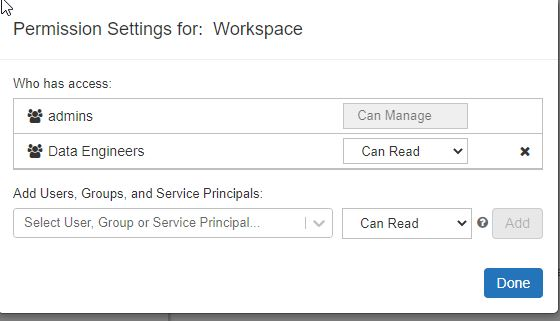
This locks it so that new files can't be created or edited but the exception is the user's personal folder.
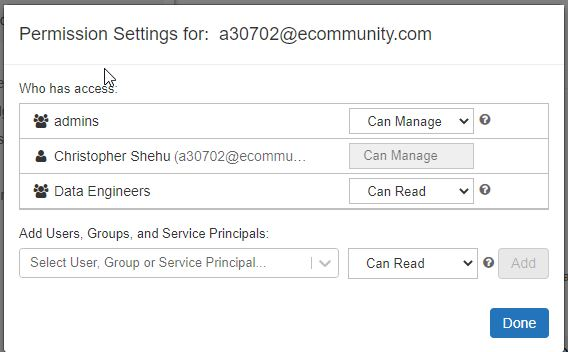
The permissions for that are greyed out and can't be changed.
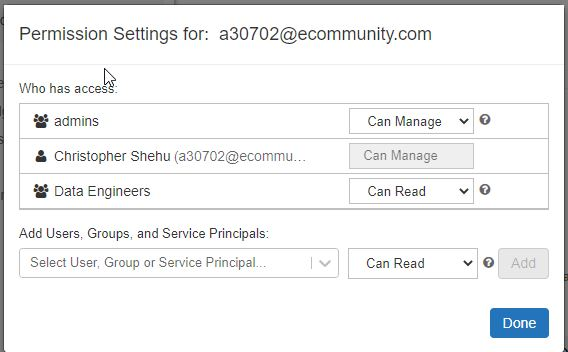
So I proposed an idea to either have the ability to turn off personal folders or to modify the permissions.
see: https://feedback.azure.com/d365community/idea/70547d9f-464d-ec11-a819-0022484e8090