- Mark as New
- Bookmark
- Subscribe
- Mute
- Subscribe to RSS Feed
- Permalink
- Report Inappropriate Content
06-07-2023 10:10 AM
Hello,
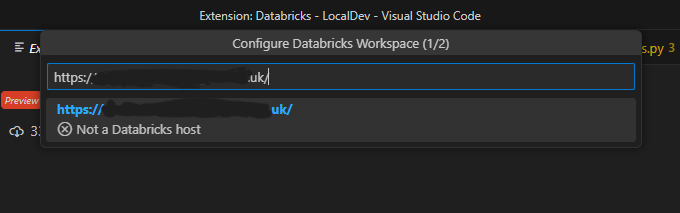
I'm trying to connect to our databricks instance using the vscode extension. However, when following this guide we cannot get the configuration to proceed past the point that it asks for our instance URL.
The prompt appears to expect a URL of the form https://***.cloud.databricks.com where ours is of the form https://*.uk/
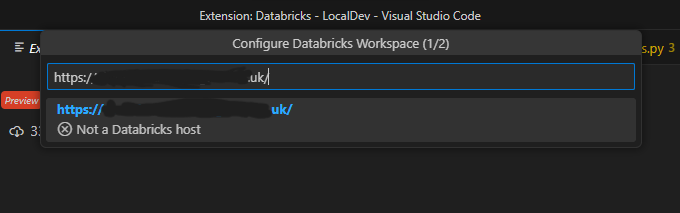
We get the error message "not a databricks host" and cannot proceed past this point. If I append the correct suffix to any other string, making an invalid instance URL in the process, I can proceed to the next step.
Is there a workaround to circumvent the plugin incorrectly flagging our URL as invalid? Am I missing something else?
I have tried continuing to configure my .databrickscfg file manually with the correct URL and token, but the profile does not appear as a valid selection in the VS code panel, I believe because of the same URL filter.
Thanks in advance,
Adrian
- Labels:
-
Databricks Instance
-
Extension
-
Python