- Mark as New
- Bookmark
- Subscribe
- Mute
- Subscribe to RSS Feed
- Permalink
- Report Inappropriate Content
01-31-2023 04:32 PM
The above question refers to SAML authentication for SSO in Snowflake with AAD.
I can see this isn't going to work without some proxying magic of the localhost session on the driver that serves the authentication redirect.
Since then, I tried to go down the external OAUTH route, again using AAD. One can configure an Application Registration in Azure AD and create the integration in Snowflake. The issue then becomes how does an end user get an OAUTH2 Access Token within a Databricks notebook session, since they will need to authenticate with the registration from within the running Databricks driver session.
Aside: Somehow Azure Databricks manages to create a valid OAUTH2 token for ADLS Gen1 and Gen2 with "aud": "https://storage.azure.com" for users when credential passthrough is enabled however I have no idea what the mechanism they use to do this is. I would love to read some technical documentation on how this mechanism works under the hood, how the refresh and access tokens are generated and where they are stored.
Looking at the list of authentication flows for OAUTH in msal, the only one that doesn't require a redirect flow (e.g. Authorization code) or credentials (e.g. Client credentials, ROPC) is Device code.
This involves running the following code in Databricks (the actual implementation can be abstracted away in a shared library) and authenticating in a different browser window / tab:
import msal
import logging
import json
import sys

config = {
    "client_id": "0fedeef6-71c3-42e4-ba4e-d6e2b443bd17",
    "authority": "https://login.microsoftonline.com/9c5da1da-3b7d-4eb6-a0db-b83ada116551",
    "scope": ["api://5b427fec-4148-4dcb-b488-9006ef357fda/session:scope:analyst"]
}

app = msal.PublicClientApplication(
    config["client_id"], authority=config["authority"],
    )

result = None

accounts = app.get_accounts()
if accounts:
    logging.info("Account(s) exists in cache, probably with token too. Let's try.")
    print("Pick the account you want to use to proceed:")
    for a in accounts:
        print(a["username"])
    chosen = accounts[0]
    result = app.acquire_token_silent(config["scope"], account=chosen)

if not result:
    logging.info("No suitable token exists in cache. Let's get a new one from AAD.")

    flow = app.initiate_device_flow(scopes=config["scope"])
    if "user_code" not in flow:
        raise ValueError(
            "Fail to create device flow. Err: %s" % json.dumps(flow, indent=4))

    print(flow["message"])
    sys.stdout.flush()

    result = app.acquire_token_by_device_flow(flow)
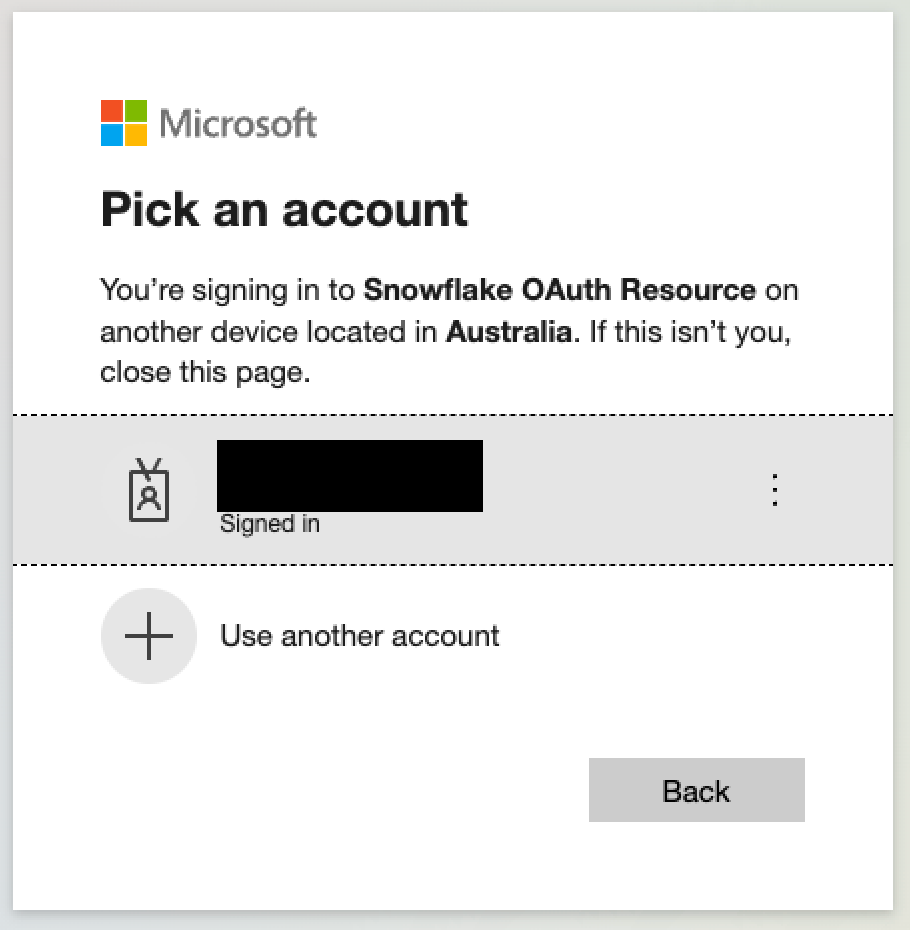
which presents the following message in the notebook cell:

snowflake_table1 = (spark.read
  .format("snowflake")
  .option("dbtable", "CALL_CENTER")
  .option("sfURL", "xxxxxxxxxx.snowflakecomputing.com/")
  .option("sfUser", "xxxxxxxxxxxxx")
  .option("sftoken", result["access_token"])
  .option("sfRole", "analyst")
  .option("sfAuthenticator" , "oauth",)
  .option("sfDatabase", "SNOWFLAKE_SAMPLE_DATA")
  .option("sfSchema", "TPCDS_SF100TCL")
  .option("sfWarehouse", "COMPUTE_WH")
  .load()
)
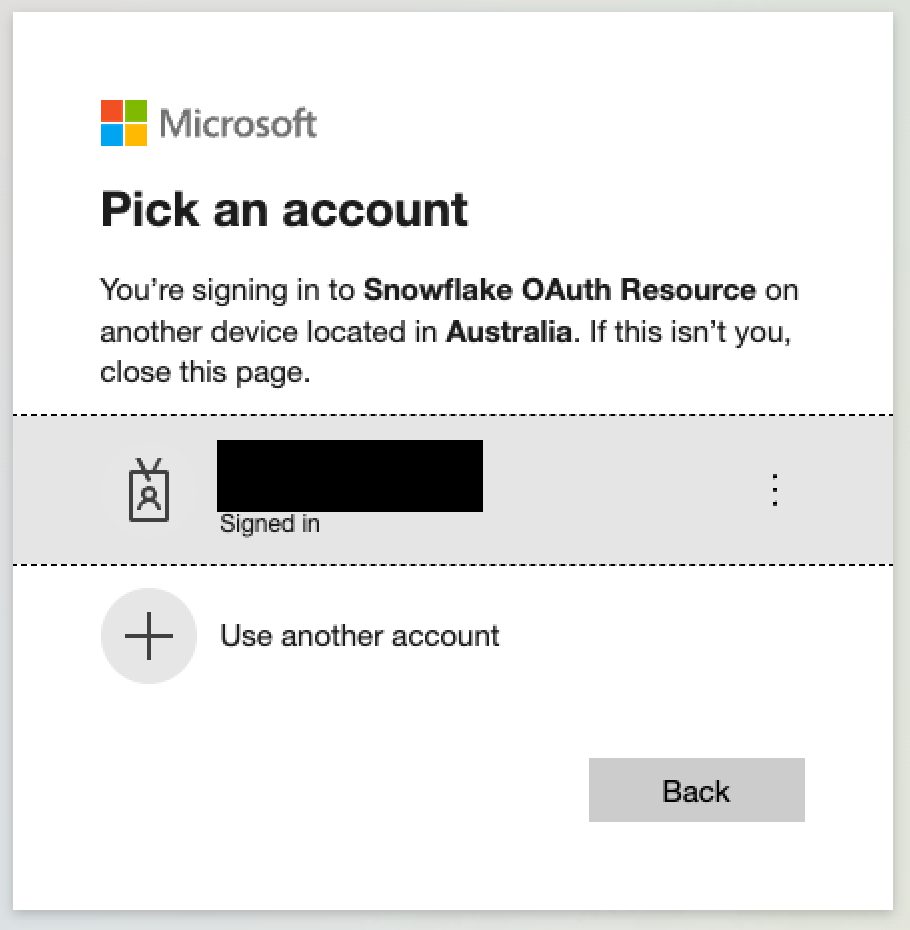
This approach is complex for end users and involves a convoluted authentication flow. Furthermore, if conditional access policies were introduced this method would no longer work:
To conclude: This is the closest I've come to authenticating to a Snowflake instance that uses AAD for authentication, however it still feels very far from SSO. Is this the only was to get OAUTH tokens to an application in the same tenancy as Databricks for the user logged into Databricks? How does credential passthrough achieve this? Is there anything else I can try?