- Mark as New
- Bookmark
- Subscribe
- Mute
- Subscribe to RSS Feed
- Permalink
- Report Inappropriate Content
10-13-2021 05:58 AM
We are using data-bricks. How do we know the default libraries installed in the databricks & what versions are being installed.
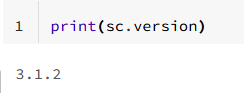
I have ran pip list, but couldn't find the pyspark in the returned list.
- Labels:
-
Python

- Mark as New
- Bookmark
- Subscribe
- Mute
- Subscribe to RSS Feed
- Permalink
- Report Inappropriate Content
10-13-2021 06:05 AM
Hi @karthick J , you can refer to the release notes for this.
https://docs.databricks.com/release-notes/runtime/releases.html
To know which library and what version of that library are installed on the cluster, you can check the respective DBR version in the release notes which will give your the list of libraries that will be installed.
- Mark as New
- Bookmark
- Subscribe
- Mute
- Subscribe to RSS Feed
- Permalink
- Report Inappropriate Content
10-13-2021 06:16 AM
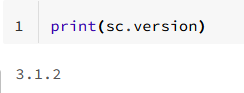
Thanks for the info. But in this page, the python library pyspark package is not available. Am I missing something. Thanks for helping out

- Mark as New
- Bookmark
- Subscribe
- Mute
- Subscribe to RSS Feed
- Permalink
- Report Inappropriate Content
10-13-2021 06:17 AM

- Mark as New
- Bookmark
- Subscribe
- Mute
- Subscribe to RSS Feed
- Permalink
- Report Inappropriate Content
10-13-2021 11:00 AM
Hi @karthick J ,
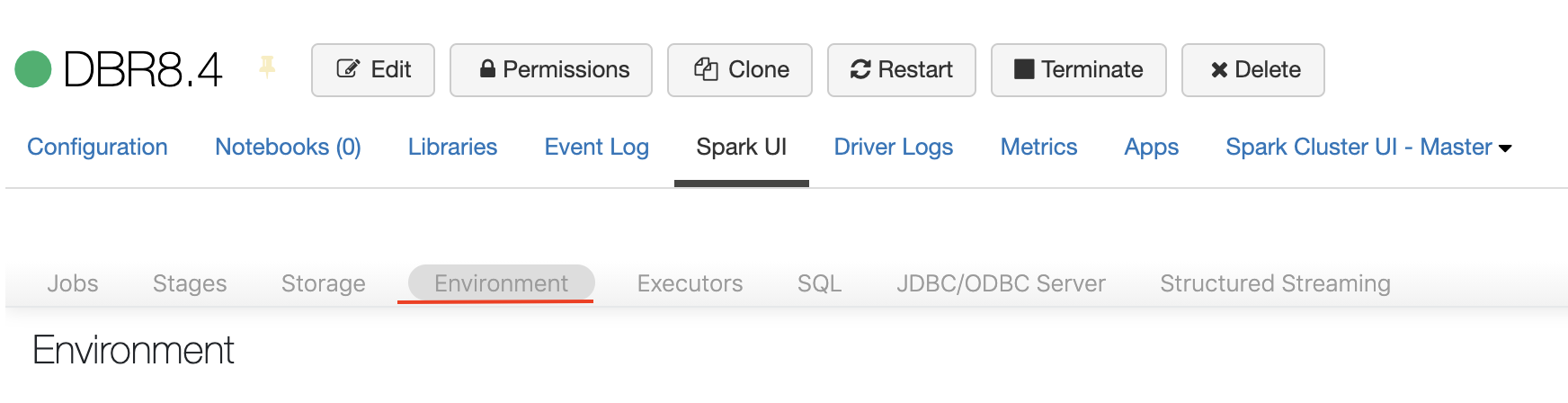
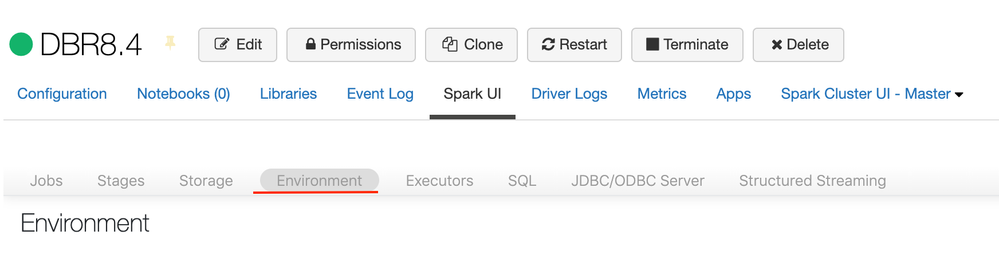
If you would like to see all the libraries installed in your cluster and the version, then I will recommend to check the "Environment" tab. In there you will be able to find all the libraries installed in your cluster.
Please follow these steps to access the Environment tab:
- Navigate and open you cluster cluster view
- Select "Spark UI" tab
- Select the "Environment" sub tab. It will be inside. (I have attached a screenshot)
- Mark as New
- Bookmark
- Subscribe
- Mute
- Subscribe to RSS Feed
- Permalink
- Report Inappropriate Content
10-18-2021 02:23 AM
Neither pyspark,nor any of the other python pre-installed python libraries show up for me when I look there.