Options
- Mark as New
- Bookmark
- Subscribe
- Mute
- Subscribe to RSS Feed
- Permalink
- Report Inappropriate Content
10-13-2021 11:00 AM
Hi @karthick J ,
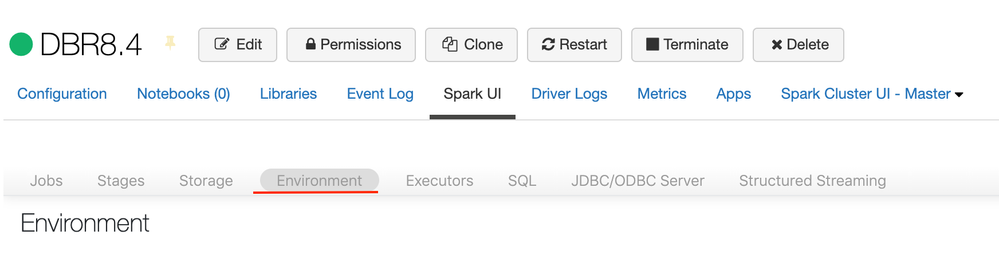
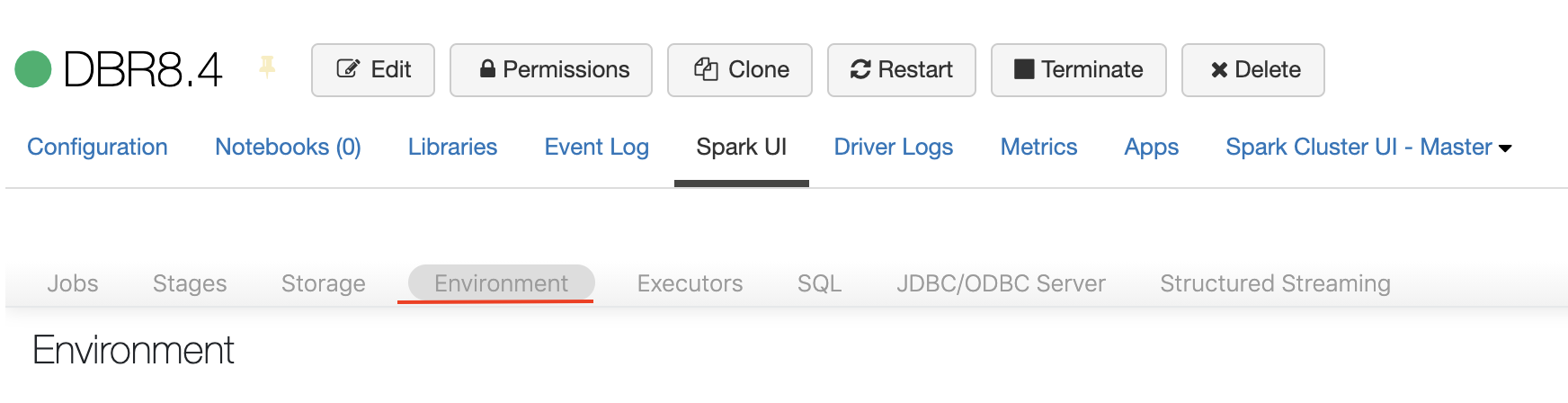
If you would like to see all the libraries installed in your cluster and the version, then I will recommend to check the "Environment" tab. In there you will be able to find all the libraries installed in your cluster.
Please follow these steps to access the Environment tab:
- Navigate and open you cluster cluster view
- Select "Spark UI" tab
- Select the "Environment" sub tab. It will be inside. (I have attached a screenshot)