- Mark as New
- Bookmark
- Subscribe
- Mute
- Subscribe to RSS Feed
- Permalink
- Report Inappropriate Content
01-24-2023 12:12 AM
Hi
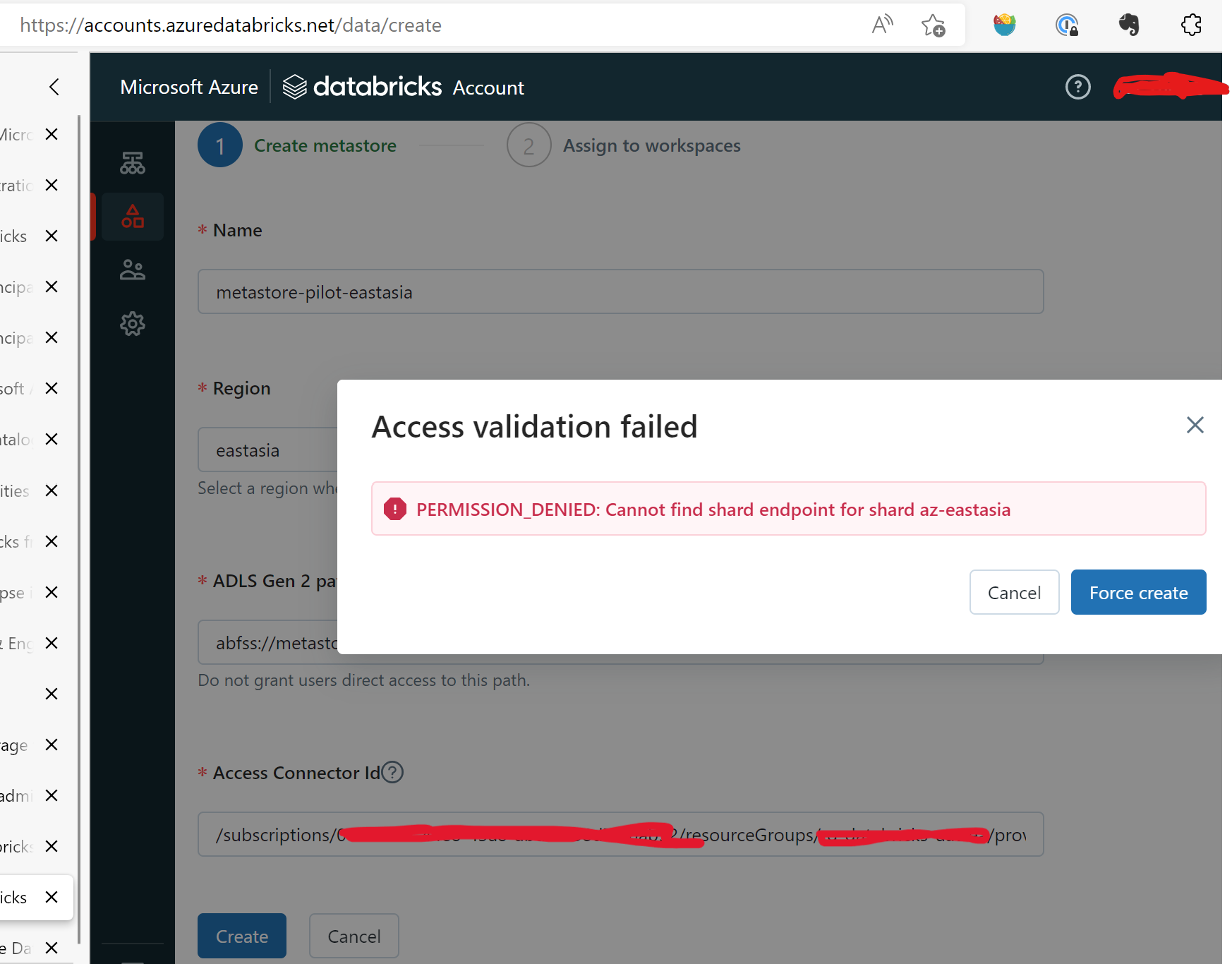
Getting the error message as below:
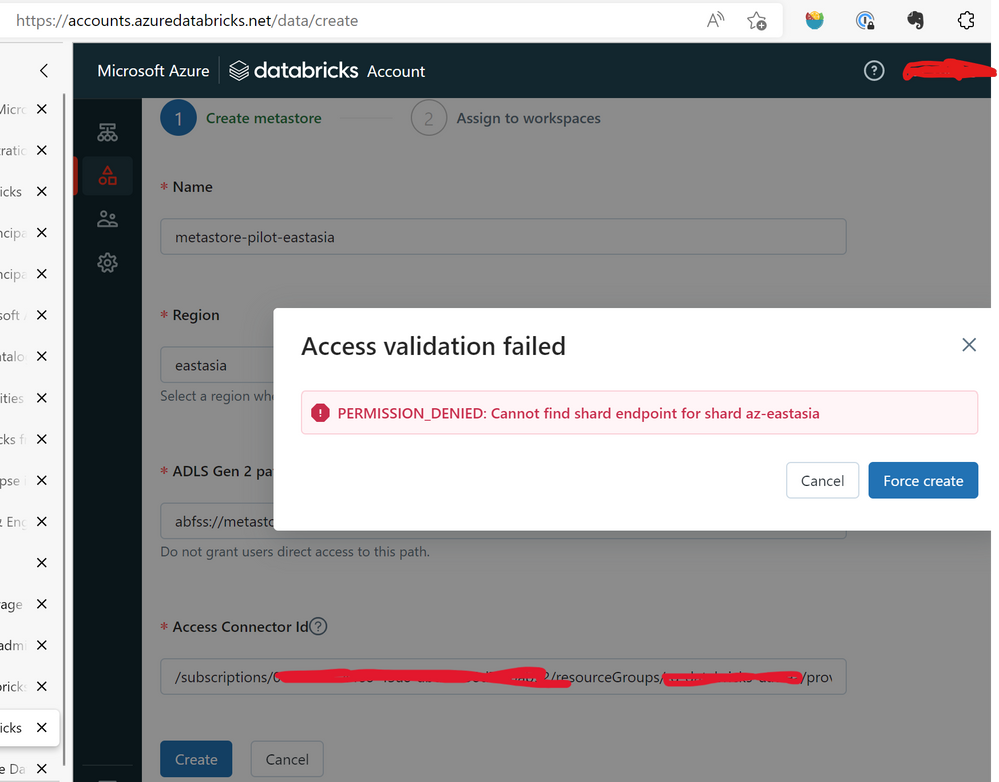
when following the tutorial:
Get started using Unity Catalog - Azure Databricks | Microsoft Learn
in the section of "Create your first metastore and attach a workspace" with both storage and connector information filled and then click create.
Have googled the error with key work metastore but haven't found any useful information.
Any help on how to succeed with creating a metastore would be deeply appreciated.

- Mark as New
- Bookmark
- Subscribe
- Mute
- Subscribe to RSS Feed
- Permalink
- Report Inappropriate Content
01-24-2023 02:29 AM
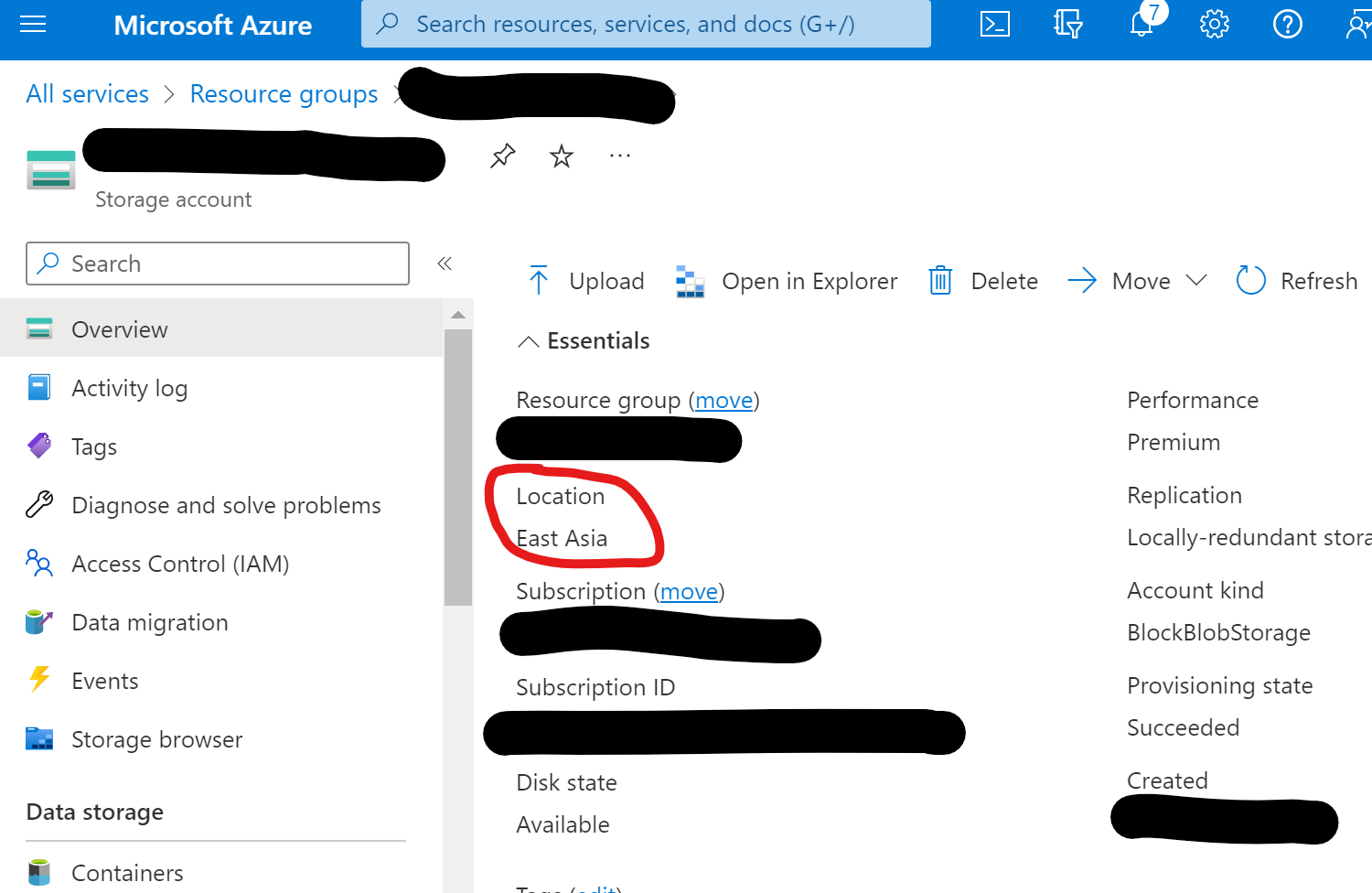
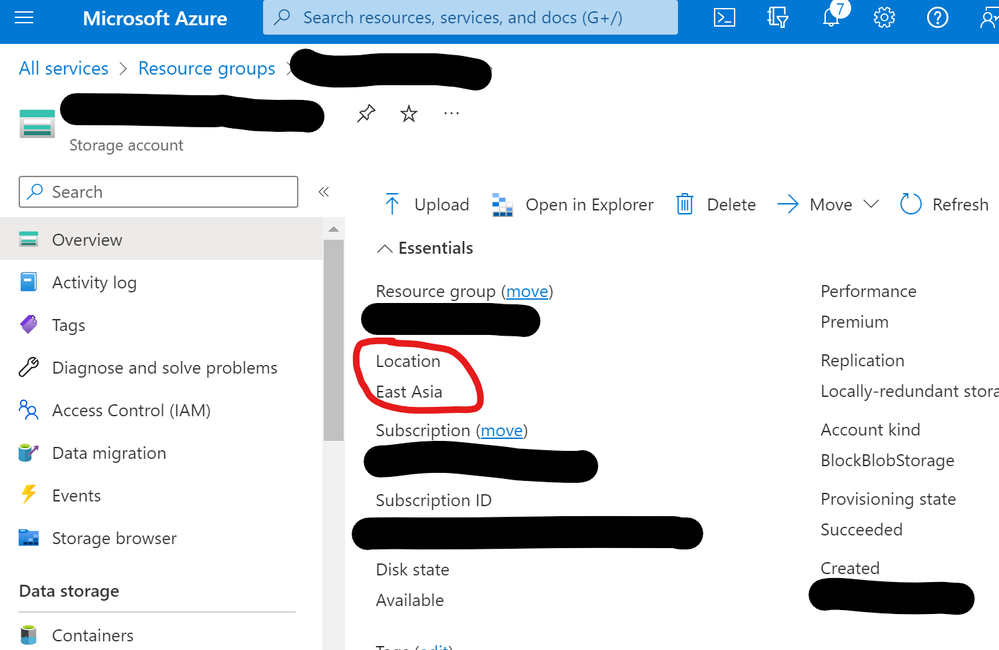
Hi @joe zhou Your storage account must be in the same region where you have created your databricks workspace.
Please check this once
- Mark as New
- Bookmark
- Subscribe
- Mute
- Subscribe to RSS Feed
- Permalink
- Report Inappropriate Content
01-24-2023 04:10 AM
- Mark as New
- Bookmark
- Subscribe
- Mute
- Subscribe to RSS Feed
- Permalink
- Report Inappropriate Content
01-24-2023 04:13 AM
- Mark as New
- Bookmark
- Subscribe
- Mute
- Subscribe to RSS Feed
- Permalink
- Report Inappropriate Content
01-24-2023 04:35 AM
Well. I've successfully created a metastore in east us region with similar settings. So guess something wrong in east asia.

- Mark as New
- Bookmark
- Subscribe
- Mute
- Subscribe to RSS Feed
- Permalink
- Report Inappropriate Content
01-24-2023 10:51 AM
I see that East Asia is supported by UC https://learn.microsoft.com/en-us/azure/databricks/resources/supported-regions you can try my step-by-step manual regarding setting up UC https://community.databricks.com/s/feed/0D58Y00009hlj04SAA
My blog: https://databrickster.medium.com/
- Mark as New
- Bookmark
- Subscribe
- Mute
- Subscribe to RSS Feed
- Permalink
- Report Inappropriate Content
01-26-2023 01:15 AM
Thanks Hubert. But no luck. Still same error message.
Btw, the storage abfss link should be:
<container_name>@<storage_account_name>.dfs.core.windows.net/
instead of
<storage_account_name>@<container_name>.dfs.core.windows.net/
- Mark as New
- Bookmark
- Subscribe
- Mute
- Subscribe to RSS Feed
- Permalink
- Report Inappropriate Content
02-14-2023 11:41 AM
I looked one more time and this region is not supported for UC https://docs.databricks.com/resources/supported-regions.html
My blog: https://databrickster.medium.com/
- Mark as New
- Bookmark
- Subscribe
- Mute
- Subscribe to RSS Feed
- Permalink
- Report Inappropriate Content
02-14-2023 06:28 PM
Thanks for keep looking, however that's the region for AWS 🙂
I've got a confirmation below from Andrew Li that the issue will be fixed soon.

- Mark as New
- Bookmark
- Subscribe
- Mute
- Subscribe to RSS Feed
- Permalink
- Report Inappropriate Content
02-14-2023 10:06 AM
This is a bug, thanks for reporting it! Databricks engineers would address this soon.
- Mark as New
- Bookmark
- Subscribe
- Mute
- Subscribe to RSS Feed
- Permalink
- Report Inappropriate Content
02-14-2023 12:12 PM
Fix merged, will get rolled out in the next 2 weeks. In the meanwhile, you can create a metastore from databricks-cli.
- Mark as New
- Bookmark
- Subscribe
- Mute
- Subscribe to RSS Feed
- Permalink
- Report Inappropriate Content
02-14-2023 06:27 PM
Thanks, deeply appreciated