
- Mark as New
- Bookmark
- Subscribe
- Mute
- Subscribe to RSS Feed
- Permalink
- Report Inappropriate Content
10-20-2023 09:00 AM
I am testing Databricks with non-AWS S3 object storage. I can access the non-AWS S3 bucket by setting these parameters:
sc._jsc.hadoopConfiguration().set("fs.s3a.access.key", "XXXXXXXXXXXXXXXXXXXX")
sc._jsc.hadoopConfiguration().set("fs.s3a.secret.key", "XXXXXXXXXXXXXXXXXXXXXXXXXXXX")
sc._jsc.hadoopConfiguration().set("fs.s3a.endpoint", "XXXXXXXXXXXX.com")
I can read the csv files in the bucket


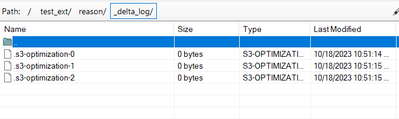
Any suggestion how to bypass AWS security token check as I am not using AWS S3 bucket. When I use Databricks community edition to test, external tables are created successfully in the same non-AWS S3 bucket. Both Databricks on AWS and community edition compute are using same Databricks version.
Both are at 14.0 (Scala 2.12 and Spark 3.5.0).
- Labels:
-
AWS security token
- Mark as New
- Bookmark
- Subscribe
- Mute
- Subscribe to RSS Feed
- Permalink
- Report Inappropriate Content
10-26-2023 06:36 PM
