Using (python) import on azure databricks

- Mark as New
- Bookmark
- Subscribe
- Mute
- Subscribe to RSS Feed
- Permalink
- Report Inappropriate Content
05-29-2022 09:27 PM
Hello,
My team is currently working on azure databricks with a mid sized repo. When we wish to import pyspark functions and classes from other notebooks we currently use
%run <relpath>which is less than ideal.
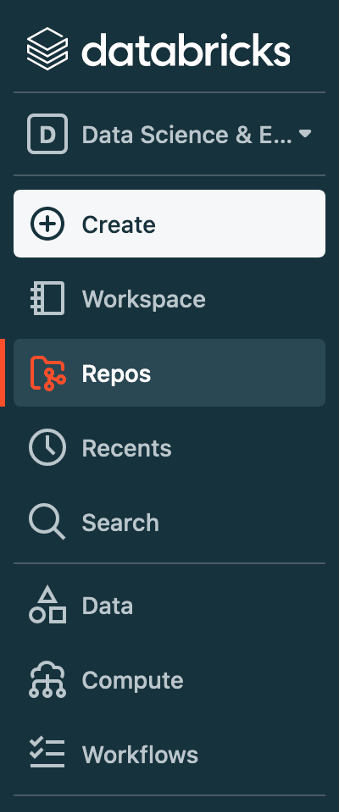
I would like to replicate the functionality of this repo. However, when I clone it into the "repos" (see screenshot) section on my azure databricks instance, it will not work.
The location of the repo is not
/Workspace/Repos/<username>/<repo_name>the best lock I can get on a location is an adb hyperlink
https://adb-<workspace_id>.13.azuredatabricks.net/?o=<workspace_id>#folder/<repo_id>;When I run sys.path(), I get the following output:
/databricks/python_shell/scripts
/local_disk0/spark-xxxxxxxx-xxxx-xxxx-xxxx-xxxxxxxxxxxx/userFiles-xxxxxxxx-xxxx-xxxx-xxxx-xxxxxxxxxxxx
/databricks/spark/python /databricks/spark/python/lib/py4j-0.10.9.1-src.zip
/databricks/jars/spark--driver--driver-spark_3.2_2.12_deploy.jar
/databricks/jars/spark--maven-trees--ml--10.x--graphframes--org.graphframes--graphframes_2.12--org.graphframes__graphframes_2.12__0.8.2-db1-spark3.2.jar
/databricks/python_shell
/usr/lib/python38.zip
/usr/lib/python3.8
/usr/lib/python3.8/lib-dynload
/databricks/python/lib/python3.8/site-packages
/usr/local/lib/python3.8/dist-packages
/usr/lib/python3/dist-packages
/databricks/.python_edge_libs
/databricks/python/lib/python3.8/site-packages/IPython/extensions
It seems that the second path is where my notebook is being run from, but it is not persistent and the directory is empty.
So, my question is how can I use python's import functionality (as indicated in the linked example documentation) with my repo in adb?
- Labels:
-
Azure databricks
-
Pyspark
-
Python