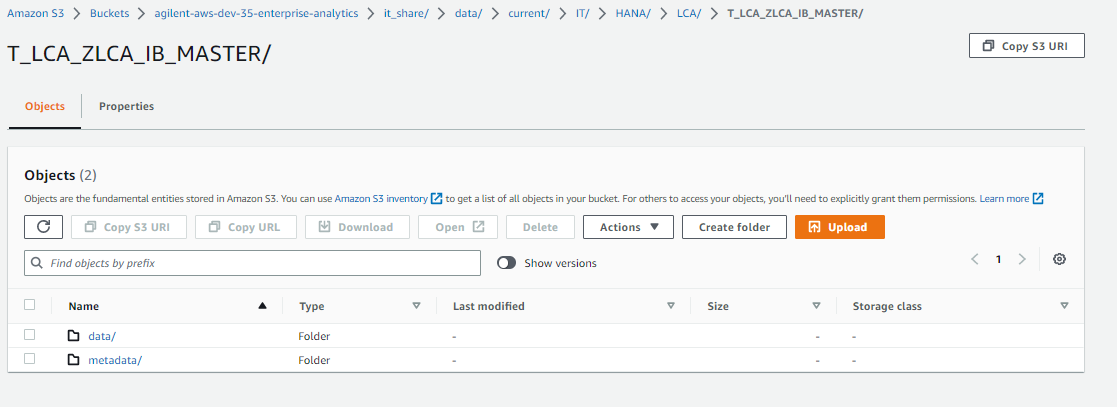
Reading Iceberg table present in S3 from databricks console using spark given none error .

- Mark as New
- Bookmark
- Subscribe
- Mute
- Subscribe to RSS Feed
- Permalink
- Report Inappropriate Content
05-09-2023 05:23 AM
Hi Team ,
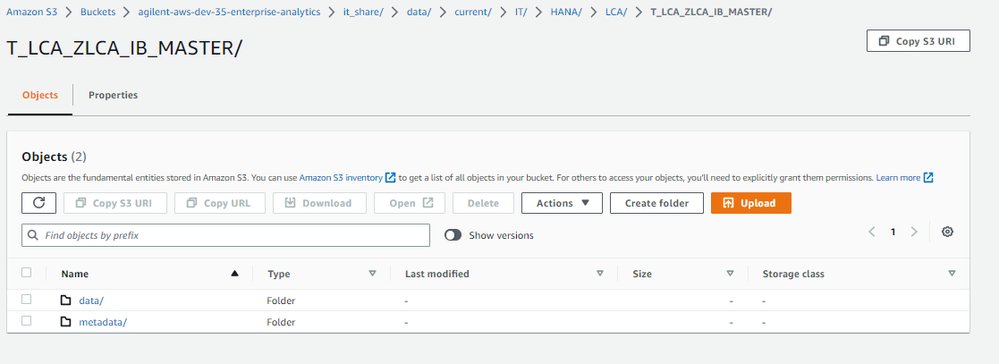
I am facing issue while reading iceberg table from S3 and getting none error when read the data .
below steps I followed .
- Added Iceberg Spark connector library to your Databricks cluster.
2. Cluster Configuration to Enable Iceberg
spark.sql.catalog.spark_catalog.warehouse /icebergpoc/
spark.sql.catalog.spark_catalog.type hadoop
spark.sql.catalog.spark_catalog org.apache.iceberg.spark.SparkCatalog
3.created Spark session and configure it to use the Iceberg Spark connector:
from pyspark.sql import SparkSession
spark = SparkSession.builder.appName("myApp").getOrCreate()
# Configure the Iceberg Spark catalog
spark.conf.set("spark.sql.catalog.spark_catalog", "org.apache.iceberg.spark.SparkSessionCatalog")
spark.conf.set("spark.sql.catalog.spark_catalog.type", "hadoop")
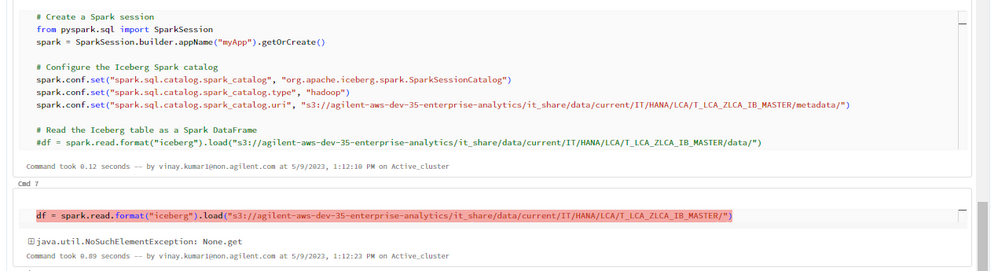
spark.conf.set("spark.sql.catalog.spark_catalog.uri", "s3://agilent-aws-dev-35-enterprise-analytics/it_share/data/current/IT/HANA/LCA/T_LCA_ZLCA_IB_MASTER/metadata/")
4. Load the Iceberg table as a DataFrame using the spark.read.format()
df = spark.read.format("iceberg").load("s3://agilent-aws-dev-35-enterprise-analytics/it_share/data/current/IT/HANA/LCA/T_LCA_ZLCA_IB_MASTER/")
getting Error .
- Labels:
-
Databricks Cluster
-
Iceberg