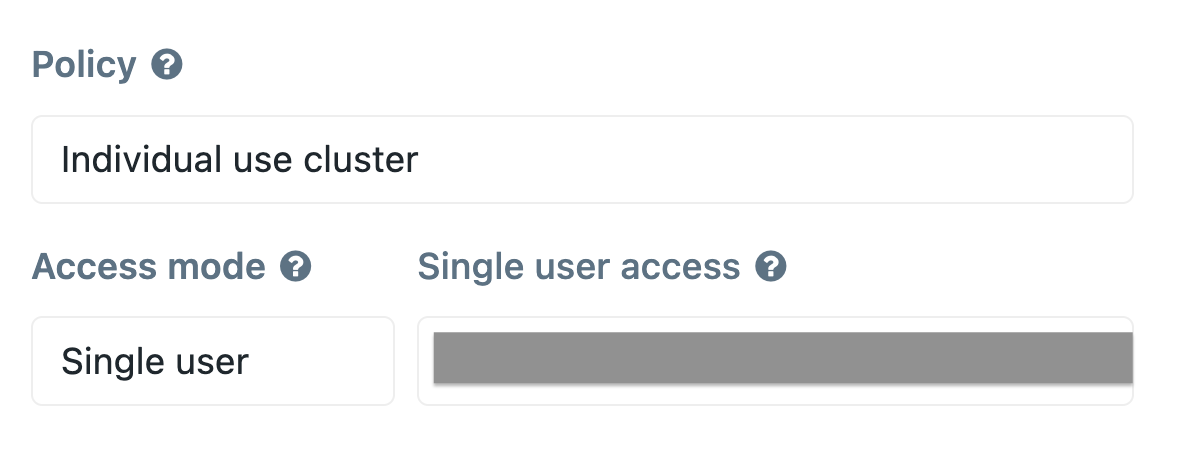
Shared cluster configuration that permits `dbutils.fs` commands

- Mark as New
- Bookmark
- Subscribe
- Mute
- Subscribe to RSS Feed
- Permalink
- Report Inappropriate Content
06-07-2023 04:57 PM
My workspace has a couple different types of clusters, and I'm having issues using the `dbutils` filesystem utilities when connected to a shared cluster. I'm hoping you can help me fix the configuration of the shared cluster so that I can actually use the dbutils filesystem commands.
The workspace is set up to use Unity Catalog, and I'm not sure if that has anything to do with the error.
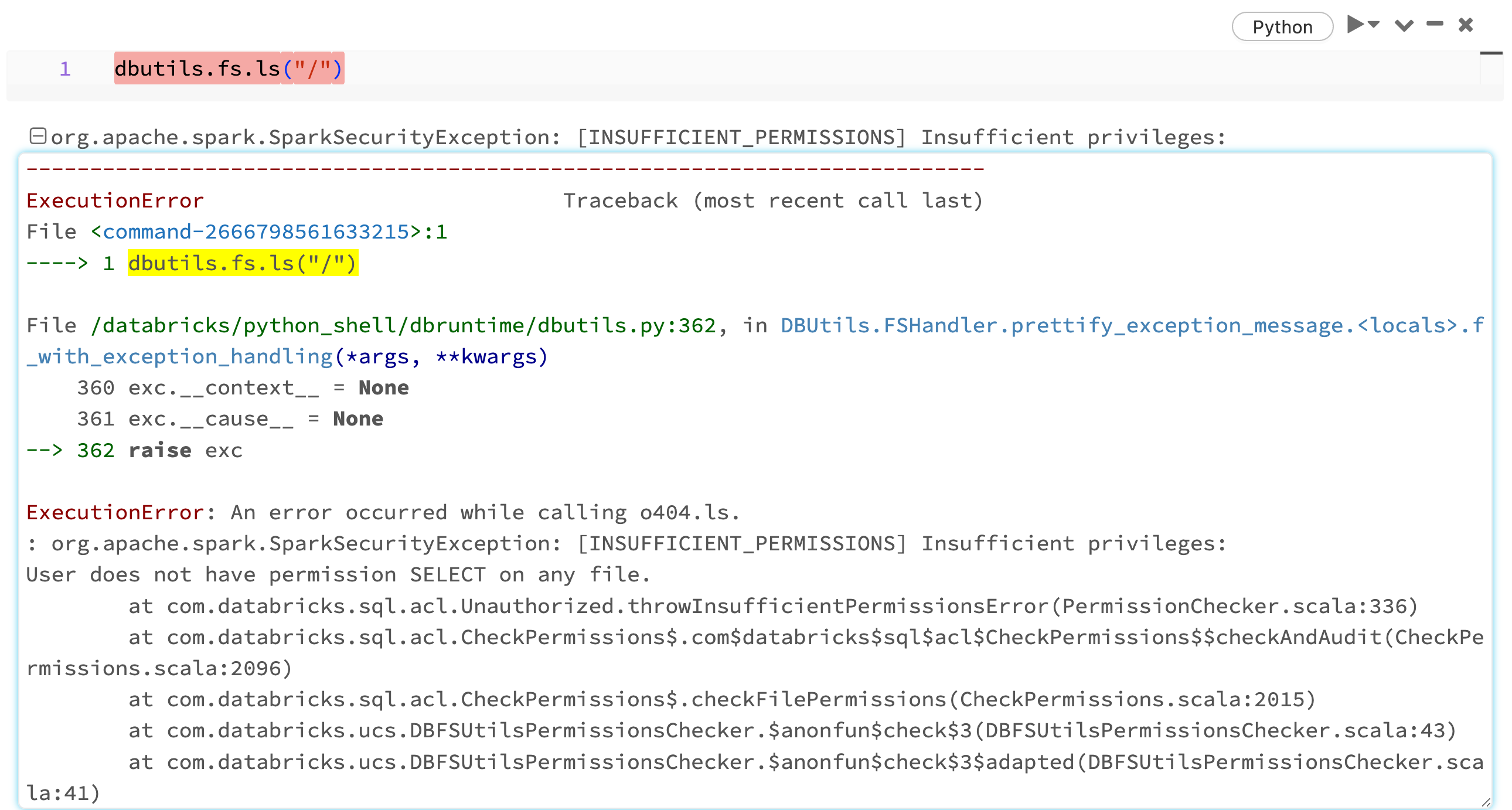
When I try to `ls` the DBFS root location I get an "INSUFFICIENT_PERMISSIONS" Spark security exception:
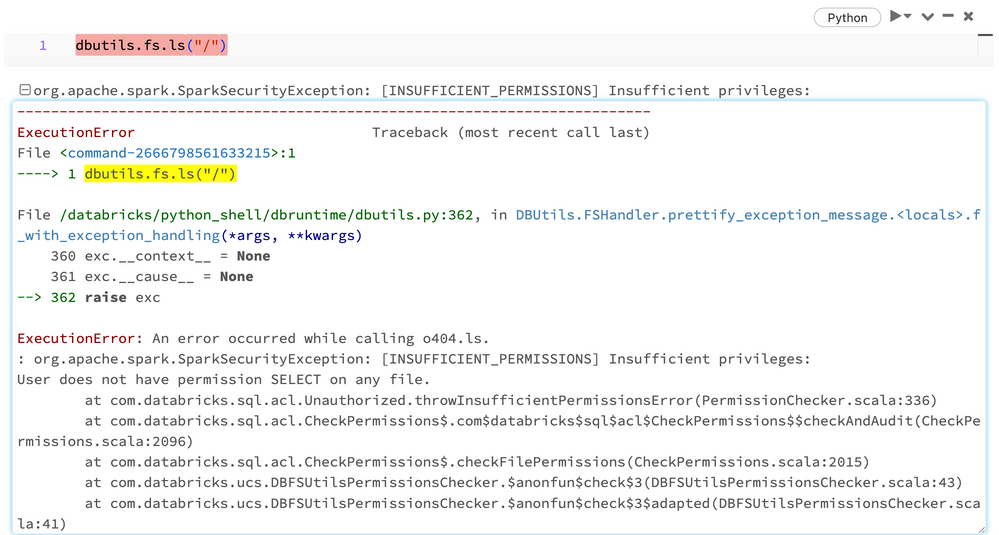
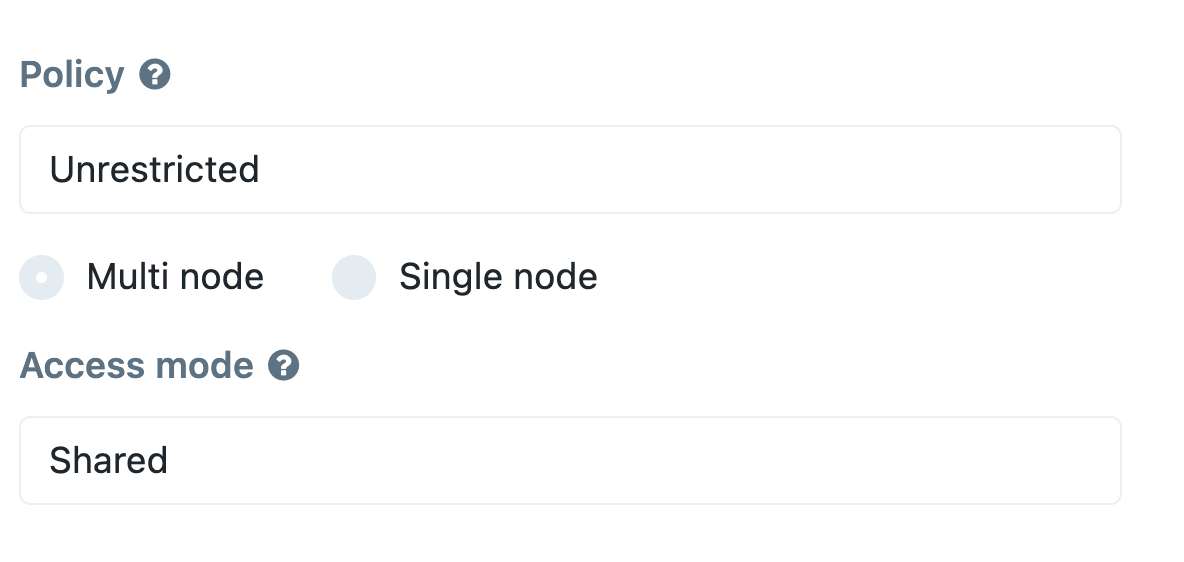
The cluster this happens on is a Shared cluster with the data security mode set to "USER_ISOLATION" (by Terraform). It says Unrestricted in the screen shot below, but we set the data security mode in Terraform.
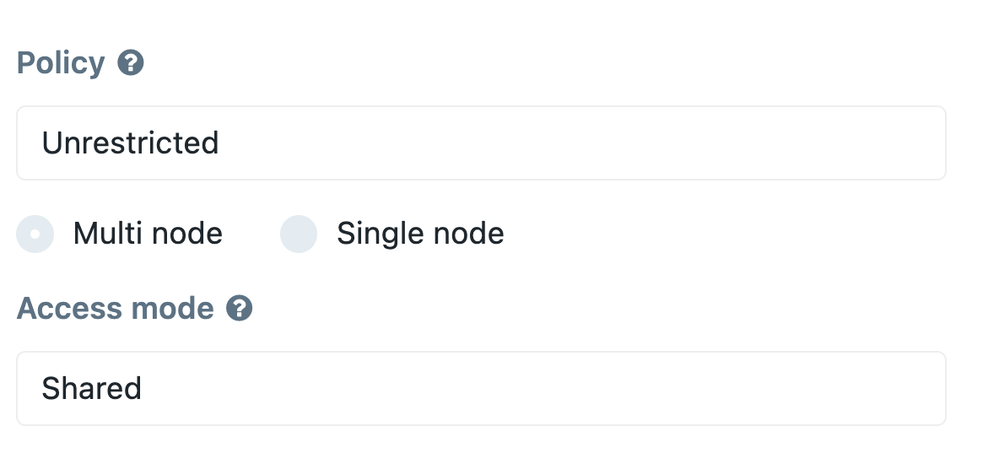
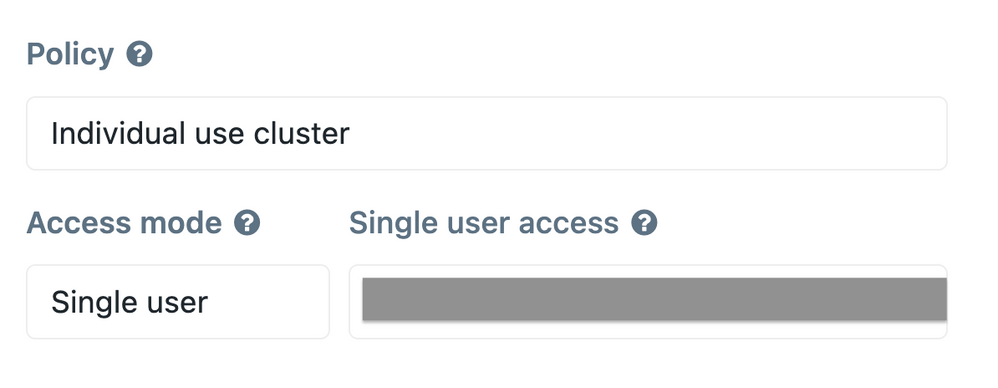
Can you give me guidance on how to configure the shared cluster so that `dbutils.fs.ls("/")` won't error with insufficient permissions?
Thanks you so much!
- Labels:
-
Cluster
-
DBFS
-
DBFS Root
-
Unity Catalog