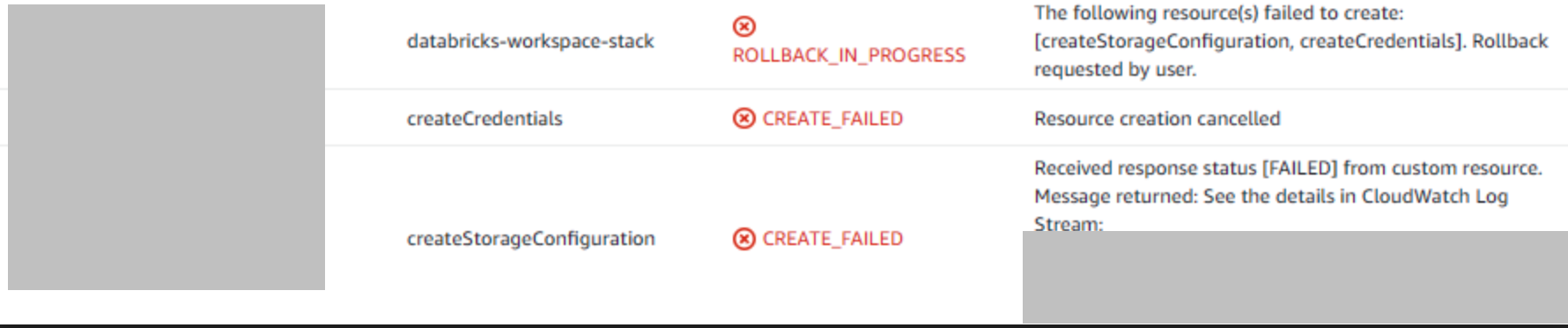
AWS quickstart - Cloudformation failure When deploying your workspace with the recommended AWS quickstart method, a Cloudformation template will be la...

- Mark as New
- Bookmark
- Subscribe
- Mute
- Subscribe to RSS Feed
- Permalink
- Report Inappropriate Content
10-14-2021 03:31 PM
AWS quickstart - Cloudformation failure
When deploying your workspace with the recommended AWS quickstart method, a Cloudformation template will be launched in your AWS account.
If you experience a failure with the error message along the lines of
ROLLBACK - The following resources failed to create [createStorageConfiguration, createCredentials], the error is most commonly caused by entering the wrong credentials in the Cloudformation template.
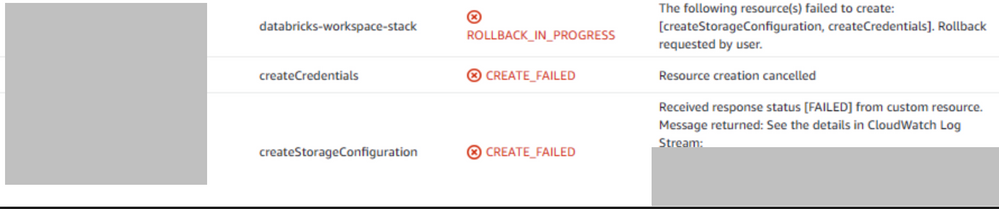
Recommended Action:
Please launch the Quickstart again from the Databricks Account Console and make sure you enter the email/password of your Databricks account in the Cloudformation template.
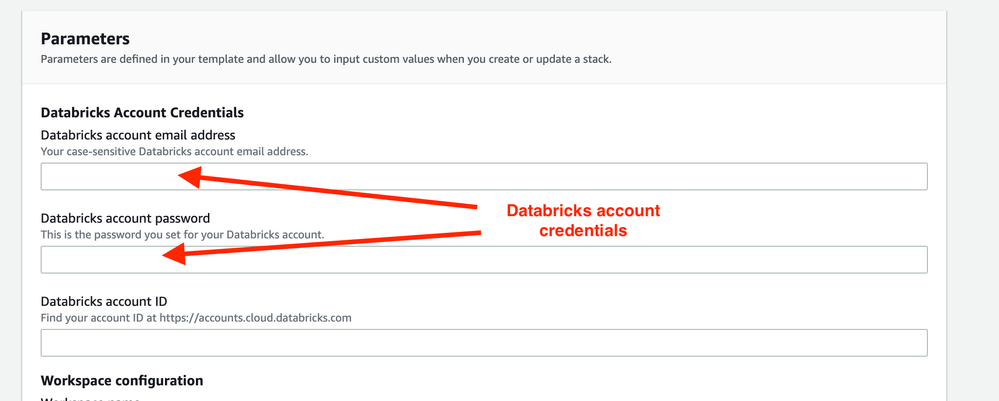
Once the correct login information has been entered, Cloudformation should successfully run in about 5-10 minutes and you’ll be able to start using the newly deployed Databricks workspace.