Creating PowerPoint decks from data is usually manual and repetitive:
Export charts → take screenshots → format slides → repeat.
Not anymore.
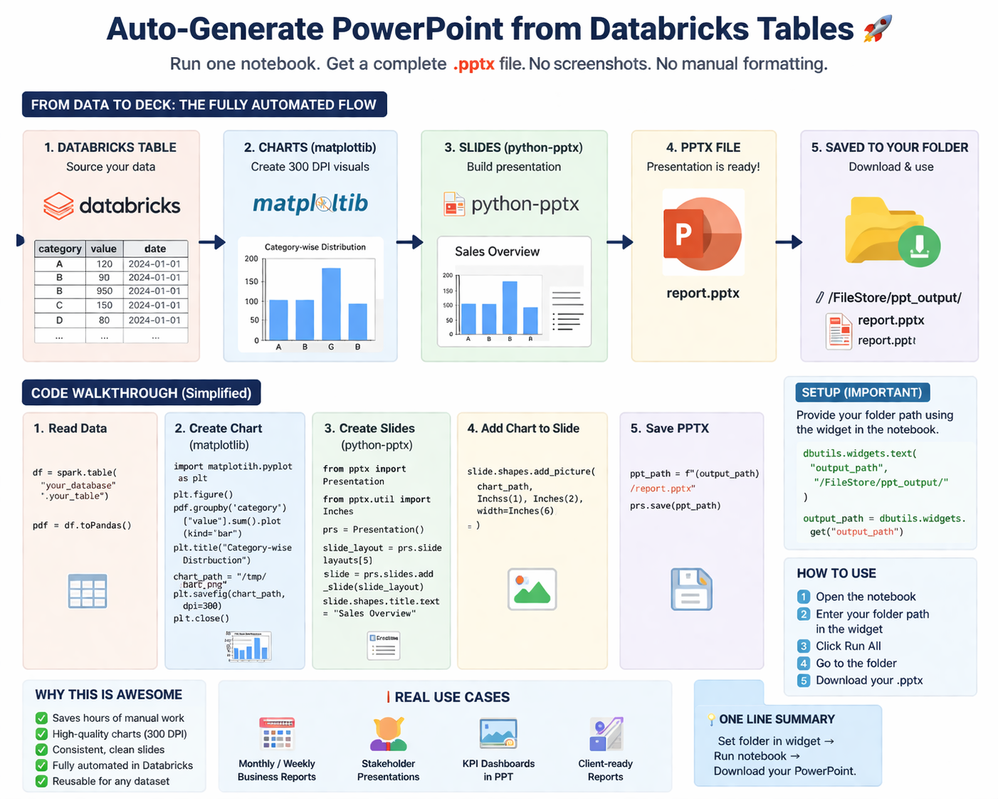
You can now generate a complete PowerPoint directly from a Databricks table — in one notebook run.
What this does
- Converts Databricks tables into PowerPoint decks
- Creates high-quality charts automatically (300 DPI)
- Builds slides without manual formatting
- Saves the .pptx file directly to your folder
How it works
Databricks Table → Charts (matplotlib) → Slides (python-pptx) → .pptx file → Saved to your folder
Important
- Set your folder path using the widget in the notebook
- The generated .pptx will be saved there
- You can download and use it directly
How to use
- Enter folder path in widget
- Click Run All
- Go to the folder
- Download your PowerPoint
Why this is useful
- Saves hours of manual work
- No screenshots or formatting needed
- Consistent and clean slides
- Fully automated inside Databricks
One-line summary
Set folder → Run notebook → Your PowerPoint is ready.
Rohan


