Hi @michael365,
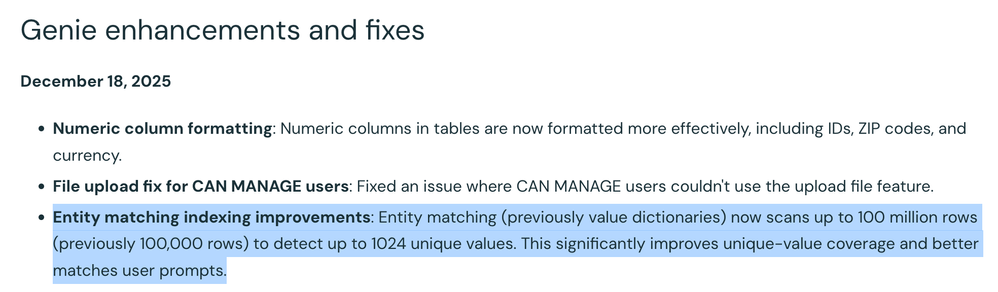
You don’t configure those 1,024 distinct values manually anywhere. For each column with Entity matching turned on, Genie automatically scans the underlying table (up to 100M rows) and picks up to 1,024 distinct values (currently the most frequent ones) to store as the entity list in your workspace bucket. Here is a link and a snapshot for reference.
What you can configure is...
Which columns use entity matching: In the Genie Space UI: Configure > Data > [table] > pencil icon on column > Advanced > Entity matching = On/Off.
(and)
When to refresh the stored values: In the same column view, use ⋯ > Refresh prompt matching to rescan the data and update the stored value list (for example, after new values are added or formats change).
So the 1,024-cap is a system limit on how many values Genie samples and stores per column, not a place where you supply or edit a custom list.
Hope that clarifies.
If this answer resolves your question, could you mark it as “Accept as Solution”? That helps other users quickly find the correct fix.
Regards,
Ashwin | Delivery Solution Architect @ Databricks
Helping you build and scale the Data Intelligence Platform.
***Opinions are my own***