Join discussions on data engineering best practices, architectures, and optimization strategies within the Databricks Community. Exchange insights and solutions with fellow data engineers.
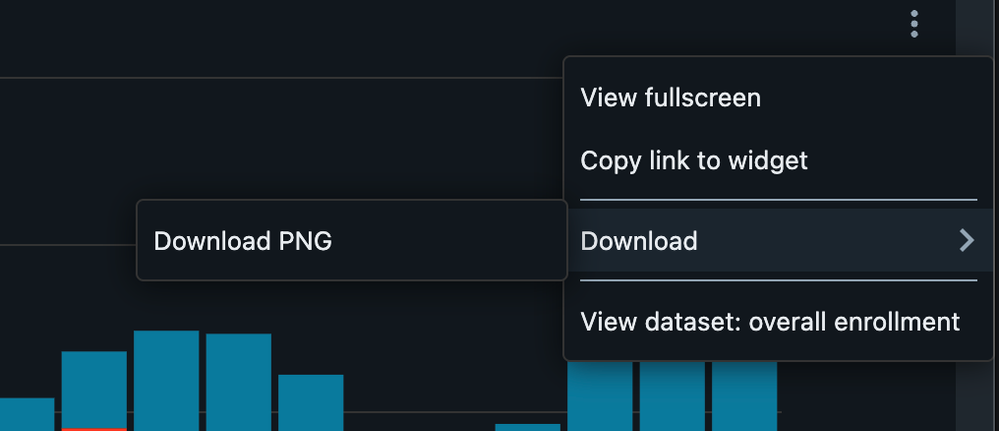
I couldn't download the data straight from databricks dashboards in csv format starting from last night (night of Dec 1st, 2025). The only format that is available right now is PNG. I've tried downloading the data on multiple browsers but only the PNG format is available. No embedding on external websites. I've also checked the security settings and downloading data from sql query is allowed. How should I proceed?
This is a known issue, and the team is working on a fix. In the meantime, a quick workaround is to right-click and download the CSV from there. Thank you for your patience while this issue is resolved.
This is a known issue, and the team is working on a fix. In the meantime, a quick workaround is to right-click and download the CSV from there. Thank you for your patience while this issue is resolved.
Hi, Rather than clicking on the three dots at the top, right click in the chart area instead, you'll then get a download option but this time it will have the choice of data as well.