cancel
Showing results for 
Search instead for 
Did you mean: 
Databricks Free Edition Help
Engage in discussions about the Databricks Free Edition within the Databricks Community. Share insights, tips, and best practices for getting started, troubleshooting issues, and maximizing the value of your trial experience to explore Databricks' capabilities effectively.
cancel
Showing results for 
Search instead for 
Did you mean: 

Databricks Quest 4-(Deploy Your First Databricks App) success story

User_sky
New Contributor

🚀 Deployed Databricks AppKit + Lakebase: 2 Tricky Bugs & How I Solved Them!

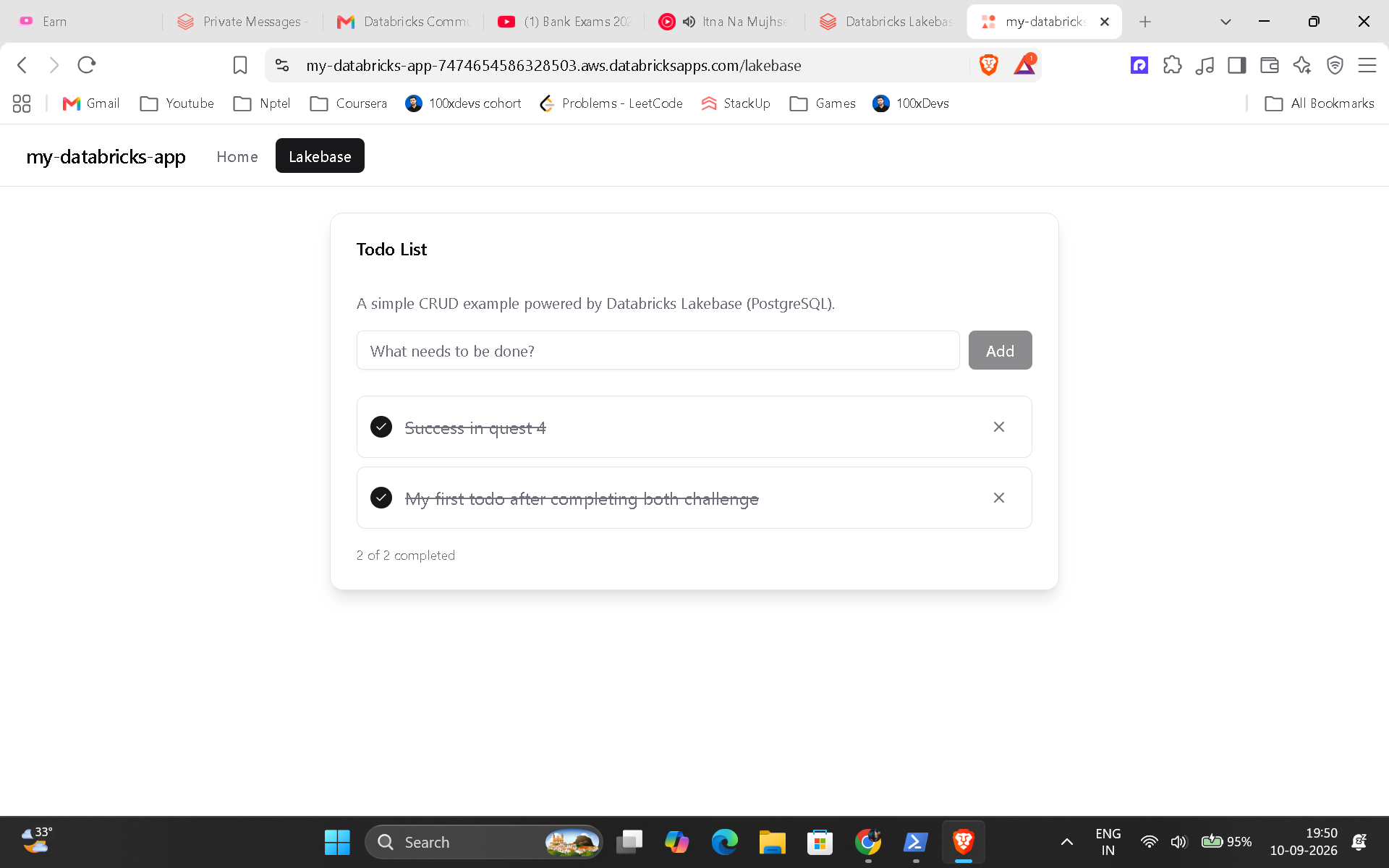
Just deployed my first full-stack Databricks App using the AppKit Lakebase (PostgreSQL) template on serverless compute!

Using Gemini as an AI debugging agent via raw CLI logs in WSL, I diagnosed and resolved two critical roadblocks:

  • Bug 1: Missing DABs Variables (postgres_project)

    • Fix: Added postgres_project, postgres_branch, and postgres_database directly under the variables: block in databricks.yml to unblock databricks apps deploy.

  • Bug 2: "Failed to Fetch Todos" (Silent Permission Denied 42501)

    • Root Cause: Testing locally (npm run dev) first meant my personal user owned the app schema. The deployed app runs under a Service Principal, which was denied write access.

    • Fix: Dropped the schema via DROP SCHEMA IF EXISTS app CASCADE; in the SQL Editor and redeployed. The Service Principal recreated the schema and took proper ownership!

💡 Pro-tip: When building with Lakebase, deploy first, test locally second so your App's Service Principal owns the schema from day one!


0 REPLIES 0